FixYourVPN

Every recommendation on this site comes from hands-on testing: we check whether a VPN can actually unblock streaming services, how fast it is, whether it leaks your real location when it shouldn't, and whether its kill switch (the feature that cuts your internet if the VPN drops) works properly.
Why methodology matters
VPN reviews vary a lot in how thorough they are, and it's not always easy to tell which ones are based on genuine hands-on testing. We think that matters, particularly if you're relying on a recommendation to actually unblock BBC iPlayer or Netflix.
We test every VPN we recommend using the same process, on real devices over real connections. This page explains how, so you can judge whether you trust the results.
Reputation and user research
Before hands-on testing starts, we research what real users are saying about a VPN. We scan tech forums, Reddit threads, and review platforms like Trustpilot to understand the common complaints and common praise. This helps us know where to focus during testing and helps us spot problems that might not show up in a routine test run.
We also set up alerts for significant updates to VPN software and any widely reported issues. If a VPN has a pattern of DNS leak complaints or connection problems in user reports, we go into testing with that in mind and look closely at those areas. We also keep an eye on tech news for anything relevant to the providers we cover.
If you've had a bad experience with one of our recommended VPNs, we want to know. Reader reports via the contact form feed into future test cycles, and credible ones trigger a retest.
Testing environment
We test on a residential connection in south-east England, just outside London, not from a data centre or business line. Residential IP addresses are what most readers use, and they behave differently from commercial connections in ways that matter for streaming access.
How we define "blocked"
The word "blocked" gets used loosely in most VPN reviews. We use three specific categories:
- Hard block: the streaming service returns an explicit proxy or VPN error and refuses to load content. Examples: the Netflix "You seem to be using an unblocker or proxy" screen; the BBC iPlayer "BBC iPlayer only works in the UK" message.
- Soft block: the service loads but serves the wrong regional library or reduced content. This means the VPN connected successfully but the service identified the IP as belonging to a VPN or the wrong country.
- Intermittent block: the service works on some servers but not others, or works at login and then fails partway through a session. Common on services that run detection during playback rather than only at the start.
In our recommendations, "works" means getting through cleanly on at least three separate servers in the target country. A VPN that passes on one server out of ten doesn't qualify as working.
Streaming tests
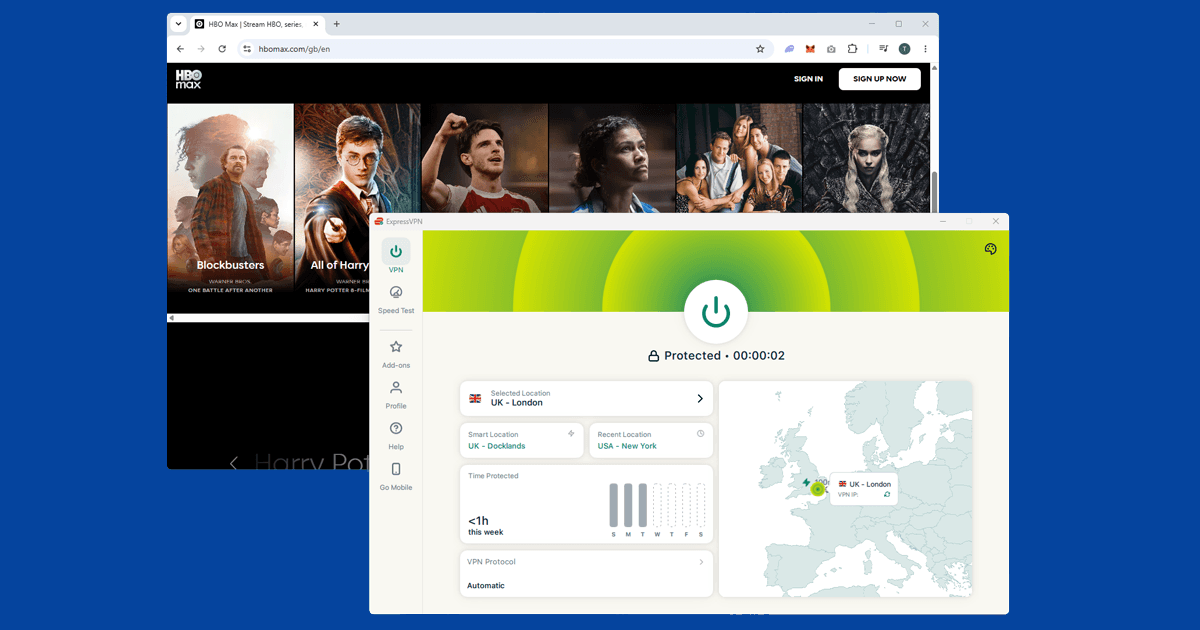
Streaming is the main thing most people use a VPN for, so it gets the most weight in any recommendation. We test every VPN against seven UK services: BBC iPlayer, ITVX, Channel 4, My5, Netflix UK, Disney+, and Now TV. We also test Netflix US access as an extra benchmark.
For each service on each VPN, we connect to a minimum of three UK servers (or US servers for the US Netflix test) and attempt to play content for at least five minutes per server. We record the result for each server: working, hard blocked, soft blocked, or intermittent.
Server coverage
Server quality and range matter. We connect to servers in at least ten different countries during every review, always including the UK, the US, and a selection of European locations. For each server, we use our IP address checker to confirm the VPN has actually changed our visible location. A server that appears to connect but doesn't change the IP address fails this check.
We also check multi-device policies and verify the device limits each provider publishes.
DNS leak testing
A DNS leak happens when your device sends location-revealing requests (called DNS queries) outside the VPN rather than through it. This can reveal your real location and internet provider even when the VPN connection looks fine. A VPN can route your traffic correctly and still have this problem if it doesn't force all DNS requests through its own servers.
We use established leak-testing tools (including dnsleaktest.com and ipleak.net) to check for DNS leaks while connected to each VPN. Any detectable leak from our real internet provider is a failure.
WebRTC leak testing
WebRTC is a browser feature that can leak your real IP address even when a VPN is active. It uses a communication channel that doesn't go through the VPN tunnel the same way normal traffic does. Streaming services have started checking WebRTC data as part of their VPN detection.
We check for WebRTC leaks in Chrome, Firefox, and Safari. A clean result means none of those browsers reveal our real IP address while the VPN is connected. A VPN that exposes the real IP through WebRTC fails this check even if it passes the DNS leak test. We also note whether the VPN includes a dedicated WebRTC leak prevention setting.
Speed testing
A single speed test tells you almost nothing on its own. Server load and temporary network congestion vary through the day, so we run multiple measurements at three points (morning, afternoon, and evening) to get a realistic picture rather than a best-case number. UK server speed is our main benchmark, with other regions included for broader context. All tests use Speedtest.net (Ookla) and are cross-checked against Fast.com, which runs on Netflix's own servers and is more representative of real streaming speeds.
Kill switch testing
A kill switch blocks all internet traffic the moment the VPN connection drops. Without one, a brief disconnection can reveal your real location to a streaming service mid-session and trigger an immediate block.
We deliberately trigger disconnections and check whether any unprotected traffic escapes during the interruption. A pass means nothing leaks and the connection recovers automatically. A fail means any traffic reached the internet unprotected during the drop.
Privacy policy assessment
We check whether a VPN has a genuine no-logs policy, look for independently verified audit results, and consider the country the provider is based in. We don't take marketing language at face value. Phrases like "military-grade encryption" and "zero logs guaranteed" aren't verifiable on their own. We look for named auditors, published audit reports, and specific policy language.
App and usability assessment
We install and use each VPN on desktop and mobile before writing up our usability findings. Things we look at include:
- Time from download to first successful connection
- Clarity of the server selection interface, including whether specialty servers (streaming-optimised) are clearly labelled rather than buried
- Whether the kill switch is enabled by default or requires manual activation
- Whether protocol selection is accessible without navigating through multiple settings screens
- Quality and response time of in-app customer support
Support testing
If your VPN stops working at 10pm on a Sunday, you want a fast and useful answer. We test live chat support for every VPN we review by reaching out at three different times of day: morning, afternoon, and evening UK time. We record how long it takes to connect with a real person rather than an automated response, and we judge the quality of the answer, not just the speed.
Retest schedule
Streaming tests and support response times are checked monthly. Kill switch and leak tests run whenever a major app update is released. Speed and privacy assessments are updated when there's reason to recheck, including after infrastructure changes, acquisitions, or credible reader reports.
You can flag potential changes using the contact form. We look into credible reports quickly and retest if there's something to act on.
Device and platform testing
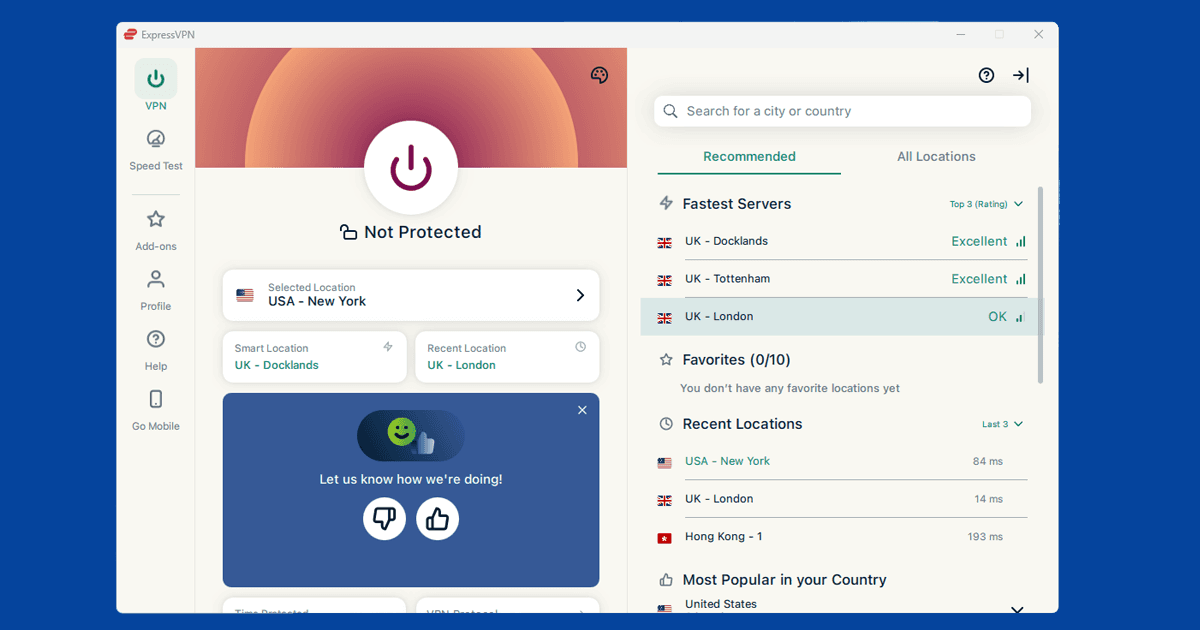
A VPN that works cleanly on a laptop can behave completely differently on a phone or a smart TV, so we don't treat desktop testing as the whole picture. We install and test each VPN's Windows and Mac apps, iOS and Android apps, and where available, native TV apps for platforms like Fire TV and Apple TV.
For devices that can't run a VPN app directly, such as most smart TVs and games consoles, we test the router-level setup instead, since that's the realistic option most readers in that situation will end up using. We note where a provider's mobile app is noticeably behind its desktop app in features like the kill switch or split tunnelling, since this is a common gap even among well-regarded VPNs.
Torrenting and P2P testing
For VPNs that advertise P2P support, we check whether P2P traffic is allowed on all servers or restricted to specific ones, and whether the provider's port forwarding, if it offers any, works as described. We don't evaluate download speeds against any external benchmark, since those vary hugely by network and by the specific torrent swarm at the time.
What we do check is more basic: does the connection stay up under sustained P2P traffic without dropping, and does the kill switch still behave correctly if it does drop.
Independence and affiliate links
Some pages on this site contain affiliate links. If you click through and subscribe, we may earn a small commission. This doesn't change what we write. A VPN that performs poorly in testing gets a poor assessment regardless of commission rate.
Not having a commercial deal with a VPN doesn't stop us covering it. For more detail on how this works, see our Affiliate Disclosure and Editorial Policy.