FixYourVPN
Binge is Foxtel's streaming service and is stricter about blocking overseas access than most other Australian services. A good VPN connected to an Australian server is usually enough to get in, but DNS leak protection matters more here than on most services: it's the step that catches people out.
What Binge is and why it's blocked outside Australia
Binge is where Australians watch HBO. Game of Thrones, House of the Dragon, The White Lotus, Succession, The Last of Us: all of it lives on Binge for Australian subscribers, alongside Sky Showcase, Paramount content, and Foxtel originals. It's subscription-only and restricted to Australian IP addresses, which is why you need a VPN to access it from abroad.
If you're an Australian who's moved overseas or travelling for a while, a VPN connected to an Australian server is all that stands between you and your Binge account. You don't need to set up a new account or find a workaround for your existing subscription: it just works once your connection looks Australian.
What you need
- An active Binge subscription. Binge requires payment via an Australian method. If you already have an existing subscription from when you were in Australia, it will continue to work; you just need the VPN. If you're setting one up for the first time from abroad, you'll need an Australian payment method.
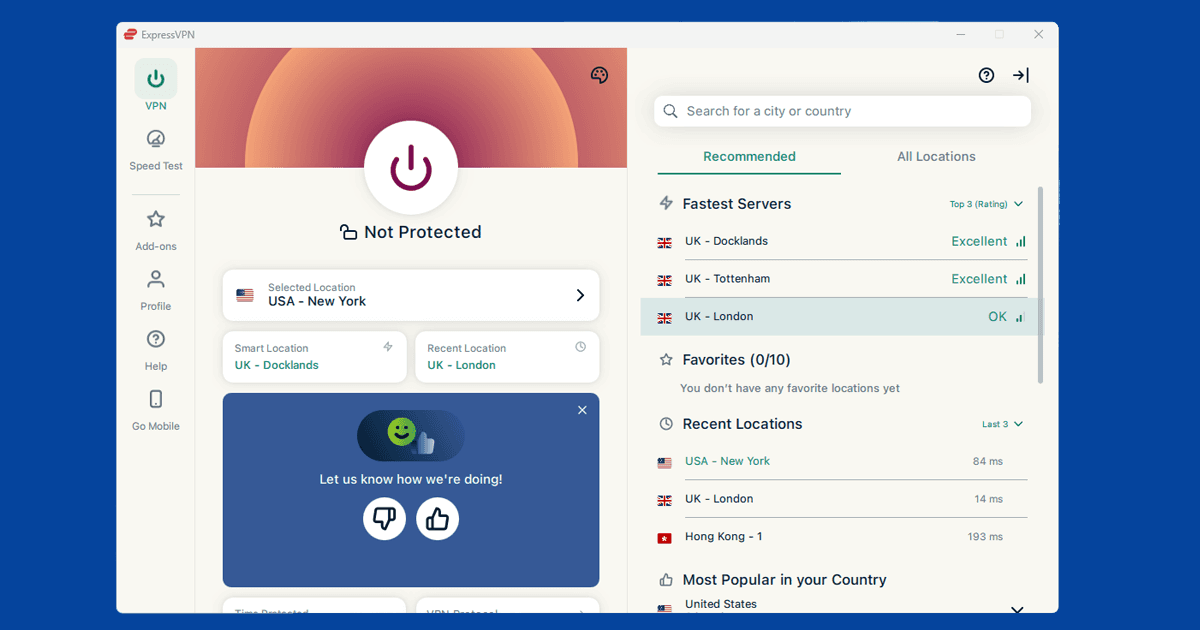
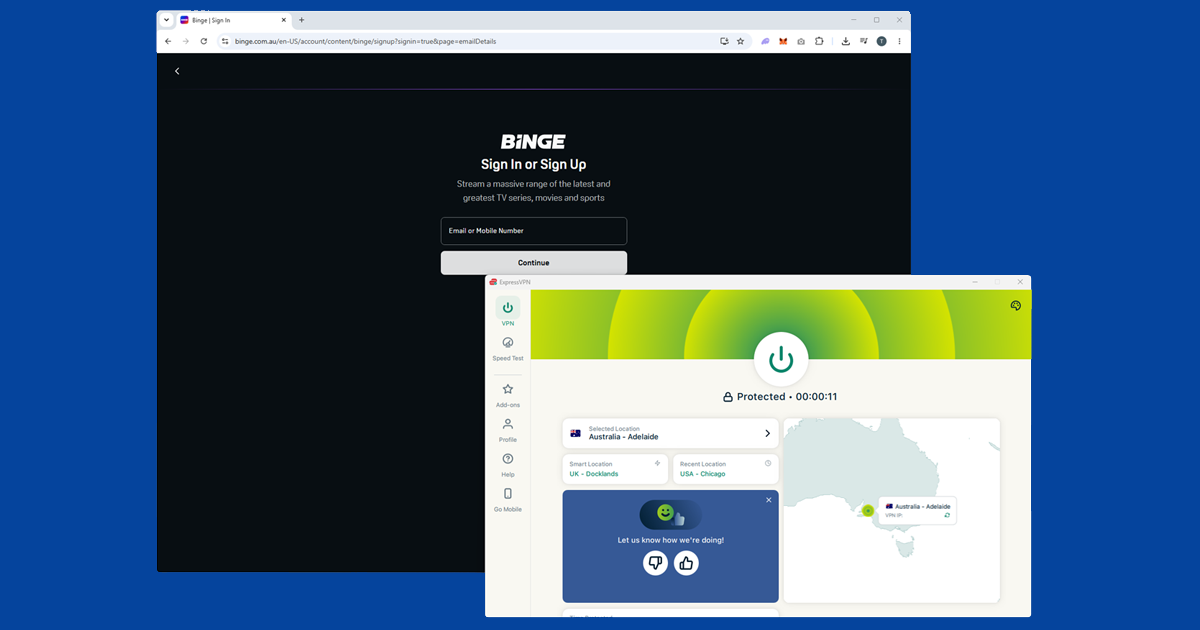
- A VPN with Australian servers. ExpressVPN is our top pick for Binge, with strong Australian coverage and reliable performance. NordVPN works well too. Because Binge checks DNS requests as well as your IP address, DNS leak protection needs to be on before you connect.
How to get Binge working from outside Australia
- Enable DNS leak protection in your VPN app first. Binge checks DNS requests alongside your IP address, and this is the step most people miss. In NordVPN, open Settings > Connection and turn on the toggle. In ExpressVPN, DNS protection is handled automatically when you connect. In PureVPN, open Settings > Internet Security.
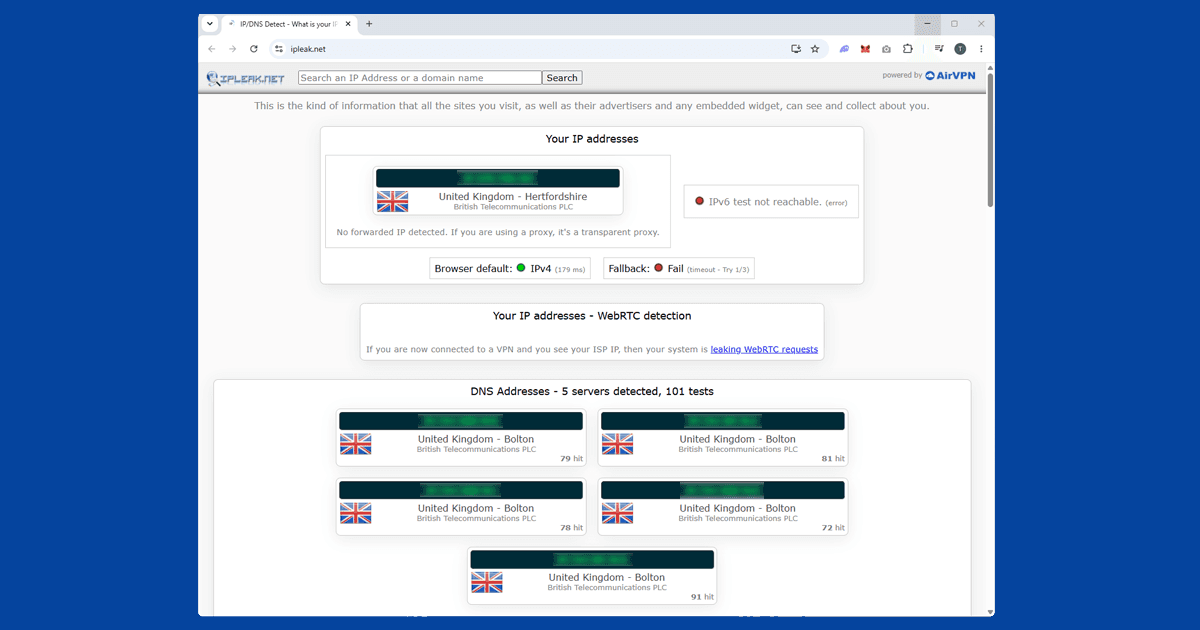
- Connect to an Australian server. Sydney is usually the fastest starting point. Melbourne is a good backup. Use our IP address checker to confirm your VPN is showing an Australian location before you open Binge.
- Open Binge in a private or incognito window. Your browser stores cookies from earlier visits, and those can reveal your real location even when your VPN is now showing an Australian address. A private window starts fresh.
- Go to binge.com.au and sign in to your Binge account. Make sure you're on the Australian site and not being redirected elsewhere.
- If Binge blocks you, switch to a different Australian server. Binge maintains a list of flagged VPN server IPs and updates it regularly. A different server in Sydney or Melbourne usually has a clean address. See our guide to switching VPN servers for instructions.
Using the Binge app
Binge has apps for iOS, Android, Apple TV, and some smart TVs. On a phone or tablet, make sure you're using the full VPN app rather than a browser extension: a browser extension only covers your browser and won't protect the Binge app. Connect to an Australian server first, then open Binge.
If the Binge app doesn't appear in your App Store or Google Play because you're outside Australia, the simplest fix on iPhone is to create a free Apple ID with Australia set as the country and download Binge through that. On Android, you'll need to be connected to an Australian VPN server before switching your Play Store country, and Google only allows the switch once per year; our Google Play Store VPN guide covers exactly how that country setting works and what a VPN can and can't do around it.
For smart TVs that don't support VPN apps directly, the cleanest option is to install the VPN on your router so everything on your home network automatically uses an Australian connection. Apple TV supports VPN apps directly and has a native Binge app, making it a simple option if you have one.
What Binge has that other services don't
Binge carries HBO and Max content in Australia: Game of Thrones, House of the Dragon, Succession, The Last of Us, The White Lotus, Barry, and current and upcoming HBO productions are all on Binge for Australian subscribers. Max, Warner Bros. Discovery's own app, launched directly in Australia in 2025, and Foxtel's renewed partnership with Warner Bros. Discovery means Max content is now bundled into Binge subscriptions rather than being a completely separate service.
Binge also carries Sky Showcase content, Paramount productions, some Fox Originals, and a growing library of Binge Exclusives. Between all of those, it has more to watch than either Kayo (sport) or 9Now (free-to-air), which makes it the most packed of the three main Australian streaming services.
Binge vs Max: do you need both?
Since Max now operates directly in Australia too, it's fair to wonder whether you still need Binge. If you already have a Binge subscription, the answer is no: Max content comes bundled in as part of Foxtel's partnership with Warner Bros. Discovery, so there's nothing extra to set up. If you're starting from scratch and don't already have a Binge account, it's worth comparing current pricing on binge.com.au and max.com before you commit, since which one makes more sense depends on what else you want to watch alongside your HBO shows.
Billing and subscription tiers
Binge typically runs a few subscription tiers with different picture quality and the number of screens you can stream on at once; check binge.com.au for the current plan names and pricing since these do change from time to time. If you're already an Australian subscriber, none of that changes when you travel: your existing plan, price, and payment method carry on as normal, and the VPN only affects which streams Binge lets you watch, not your billing.
If you're setting up a brand new subscription from outside Australia, you'll generally need an Australian-issued card or a payment method Foxtel accepts for Australian accounts, which can be a genuine hurdle if you've never lived there. In that situation, asking a friend or family member in Australia to set it up, or using a service that provides Australian virtual payment cards, are the usual workarounds.
Common Binge error messages
The wording varies, but you'll typically see something along the lines of the content not being available in your location, or a more generic playback error that doesn't obviously mention geography at all. If a specific title fails to play while the rest of Binge works fine, that's more likely a licensing hiccup with that particular show than anything to do with your VPN. If the whole app or site refuses to load, that points to the location check itself, and the DNS leak steps above are the place to start.
Keeping HBO shows buffer-free
Binge streams in high quality by default, so a slow VPN connection shows up quickly as buffering or a drop to a lower resolution mid-episode. If that's happening: switch to Lightway in ExpressVPN or NordLynx in NordVPN if you're not already using it, stick with a well-served city like Sydney or Melbourne rather than a smaller regional server, and use a wired connection if you're watching on a laptop or desktop and wi-fi is adding noticeable lag.
Do free VPNs work for Binge?
No, not in any dependable way. Binge is one of the stricter Australian services precisely because it checks DNS requests alongside your IP, and free VPNs almost never offer proper DNS leak protection. Their small, well-known server pools also get flagged fast. If you want your HBO shows to actually load when you sit down to watch them, a paid VPN with genuine DNS leak protection is not optional here the way it might be for a lighter service like 9Now.