FixYourVPN
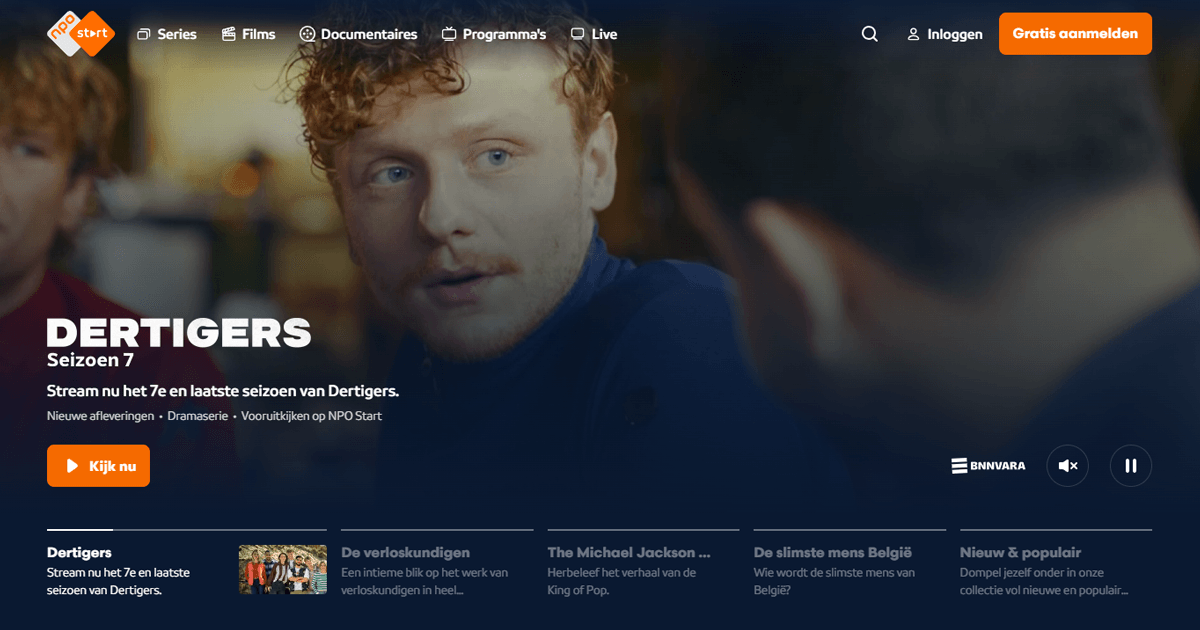
NPO Start is the streaming platform of the Dutch public broadcaster NPO (Nederlandse Publieke Omroep). It covers NPO 1, NPO 2, and NPO 3 plus a range of specialist channels: NPO Zapp and NPO Zappelin (children's content) and NPO Politiek en Nieuws (politics and news). For Dutch people living abroad, it's where you go for Wie is de Mol?, Nieuwsuur, BOOS, Op1, and the Dutch drama series and soaps that aren't on any other international platform.
NPO Start is only licensed to stream within the Netherlands. Open it from abroad and you'll hit a geo-block. Connect your VPN to a Netherlands server first, and NPO Start sees a Dutch IP address rather than your real one and lets you in.
Connect to a Netherlands server
Open your VPN app and connect to a Netherlands server before going to npo.nl. The location check runs when the page loads, so the VPN needs to already be running.
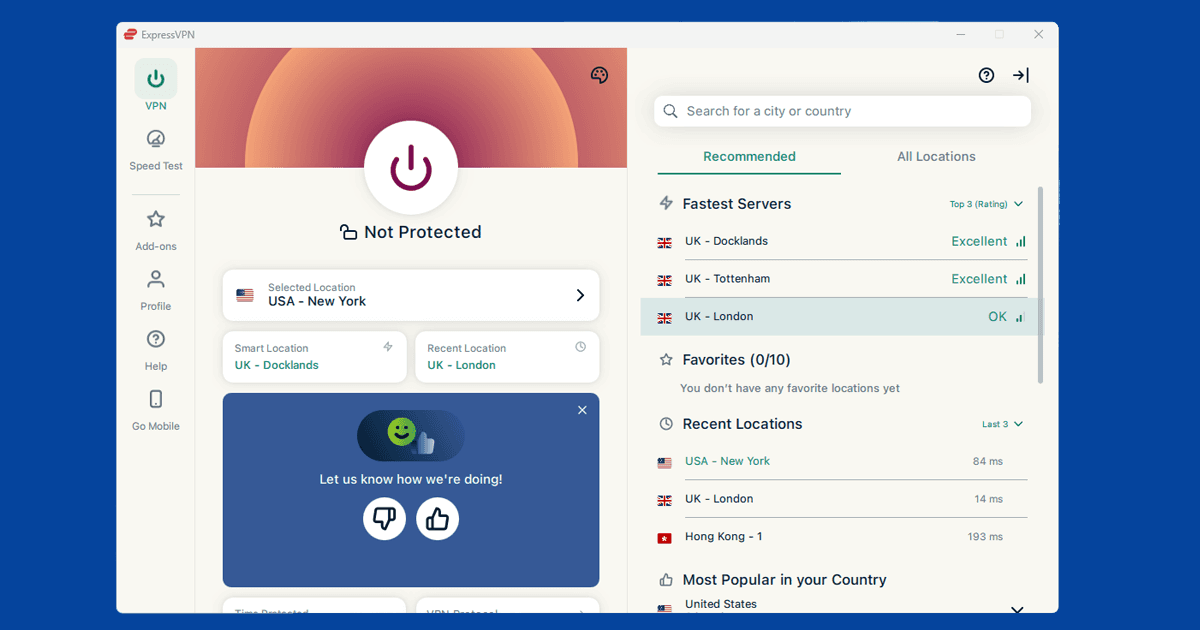
In NordVPN, search for Netherlands and connect to any available server. In ExpressVPN, select Netherlands from the location list. Once connected, check your IP with our IP address checker to confirm it's showing as Dutch, then open npo.nl in a private window.
If NPO Start shows a geo-block after connecting, that server's IP has been flagged. Switch to a different Netherlands server and try again. Our guide to switching VPN servers covers the steps in each app.
Open in a private window
NPO Start's location check runs when the page first loads in a session, not just when you press play. If you visited npo.nl even briefly without a VPN (just browsing the schedule), your session is already marked as non-Dutch and won't flip to Dutch mid-session just because you then turn the VPN on. A private window clears the session entirely, so NPO Start treats it as a fresh visit with no location history.
- Chrome / Edge: Ctrl+Shift+N (Windows) or Cmd+Shift+N (Mac)
- Firefox: Ctrl+Shift+P (Windows) or Cmd+Shift+P (Mac)
- Safari: File New Private Window
Connect the VPN first, then open the private window, then go to npo.nl.
Creating an NPO account
NPO Start is free but you need an account to watch anything. Go to npo.nl, click Inloggen at the top right, then Account aanmaken. All you need is an email address and a password. No Dutch address, no phone number, just the basics.
Once the account's created, sign in with your VPN connected to a Netherlands server and you're in.
The free tier covers the full catch-up and live catalogue with adverts. NPO Plus (a few euros a month) removes those and adds access to some exclusives and archive content that the free tier doesn't include. For most expat viewers the free version covers everything they actually want to watch. If you're putting in several hours a day, the ad-free upgrade is probably worth it. International payment cards work fine at checkout.
Live TV on NPO Start
NPO 1, NPO 2, and NPO 3 are all available as live streams on NPO Start. To find them, go to npo.nl and click Live in the top navigation: each channel shows what's currently on and you click straight into the stream. You need to be signed in with your VPN on a Netherlands server, same as for on-demand content.
The Netherlands runs on CET (UTC+1 in winter, UTC+2 in summer), so the time difference matters. If you're in Australia or Southeast Asia, Dutch prime time lands in the early hours of your morning and live watching isn't really practical. Most viewers in those time zones watch on catch-up instead, which works identically. From the US East Coast, Dutch prime time at 8 or 9pm CET is early to mid afternoon, which is much easier to work around.
If the live stream keeps cutting out, switch to a different Netherlands server first. Live video puts more load on a server than on-demand catch-up, and a quieter server usually fixes it. If dropping servers doesn't help, switch your VPN protocol to WireGuard in the app settings. It handles live streams better than OpenVPN or IKEv2 when you're connecting over long distances. Both NordVPN and ExpressVPN have WireGuard available across their apps.
Still being blocked?
NPO Start shows a Dutch-language error when it blocks a connection: something along the lines of "Deze video is helaas niet beschikbaar buiten Nederland" (this video is unfortunately not available outside the Netherlands). If you're seeing that with your VPN running, work through these in order.
Verify your IP: Our IP address checker shows exactly what location your connection is reporting. If it's showing your real country rather than the Netherlands, the VPN isn't routing correctly through that server. Switch to a different Netherlands server and check again. Newer Netherlands servers in NordVPN and ExpressVPN tend to be less likely to be on NPO Start's blocked list than older, high-traffic ones.
DNS leak: NPO Start cross-references your IP against your DNS requests, so a DNS leak (where your device sends lookups through your regular ISP instead of through the VPN) can expose your real location even when your IP looks Dutch. Our DNS leak guide explains how to check and fix this. In NordVPN, DNS leak protection is on by default under Settings Connection.
Old session data: Go into your browser's privacy settings, clear cookies and site data for npo.nl, reconnect the VPN, and open a fresh private window. A session opened before the VPN was running can persist even after you connect, because NPO Start caches your original location for that session.
Watching on your phone and TV
NPO has apps for iPhone, Android, Apple TV, and a number of Smart TV platforms. On mobile, the app performs its location check using your network IP rather than your device's GPS location, which means a VPN is enough. Connect your VPN before opening the app so it's already running when the check fires.
iOS and iPhone: The NPO Start app won't show in App Stores outside the Netherlands. The easiest workaround is npo.nl in Safari on your phone with the VPN connected: it works well on mobile and you don't need to touch your App Store settings. If you'd prefer the native app, temporarily switch your Apple ID region to the Netherlands under Settings your name Media & Purchases View Account Country/Region, download it, then switch back.
Android: With your VPN connected to a Dutch server, search for NPO Start in the Play Store. If it doesn't appear, npo.nl in Chrome for Android works just as well. Android users can also cast to a TV via Chromecast while the VPN runs on the phone.
Apple TV: NPO Start has a native tvOS app. NordVPN and ExpressVPN both have Apple TV apps available in the App Store. Install your VPN on the Apple TV, connect to a Netherlands server, then open NPO Start.
Samsung and LG Smart TVs: NPO Start has native apps on both Samsung Tizen and LG webOS TVs. The problem is that Smart TVs don't run VPN apps directly. Your two options are setting up the VPN on your router (so every device on the network gets a Dutch IP automatically), or sharing your laptop's VPN connection as a wi-fi hotspot and connecting the TV to it. The router method is cleaner for long-term use.
Chromecast and screen mirroring
As far as we've found, NPO Start doesn't offer dedicated Chromecast support the way some bigger streaming apps do, so the reliable way to get it onto a TV is to run npo.nl in Chrome on a VPN-connected laptop or phone and cast that browser tab instead. Since the cast is coming from the VPN-connected device, the TV itself doesn't need any VPN setup of its own.
Sharing an account with family
NPO Start doesn't appear to publish a strict limit on how many devices or profiles a single account can use at once, so most households manage fine sharing one login between family members watching from different countries. If you do run into any restriction, creating a second free account only takes an email address and a password, so it's not much extra hassle.