FixYourVPN

RaiPlay is run by RAI, Italy's national public broadcaster, and it's completely free to use. There's a big on-demand library, live channels including RAI 1, RAI 2, and RAI News 24, and years of catch-up content going back across multiple RAI channels. Outside Italy it's geo-restricted to Italian IP addresses, so you'll need a VPN set to an Italian server to get in.
How to create a RaiPlay account from outside Italy
RaiPlay requires a free account to watch most of its content, and registration is tied to an Italian IP address too. So before you do anything else, connect your VPN to an Italian server and then head to raiplay.it to sign up. All you need is an email address. No Italian phone number, no payment details, no proof of address.
If you already have an account, skip straight to connecting. If you try to register without the VPN running first, you'll get a location error before the form even appears.
What's available on RaiPlay
The on-demand library pulls together most of RAI's broadcast output across RAI 1, RAI 2, and RAI 3, going back several years. There are Italian films, drama series, cultural programmes, and documentaries from RAI Storia and RAI Scuola, plus RAI 4 and RAI 5 content in the mix too.
For Italians abroad, the live TV is arguably the most useful part. You can watch RAI 1, RAI 2, RAI 3, and RAI News 24 as they broadcast in real time, not just on-demand catch-up. For keeping up with Italian news, live sport, or big national events as they happen, it's hard to find an equivalent. And it's all free.
How to watch RaiPlay outside Italy
Connect your VPN to an Italian server before opening RaiPlay. The site reads your location when it loads, so the VPN needs to be running first. If RaiPlay is already open in your browser, close it, get the VPN connected, then reopen fresh.
In NordVPN, search for Italy in the server list and start with Milan. Once connected, open raiplay.it in a private or incognito window. If you've visited the site before without a VPN, your browser may be holding onto cached location data, and a private window makes sure RaiPlay only sees your current connection.
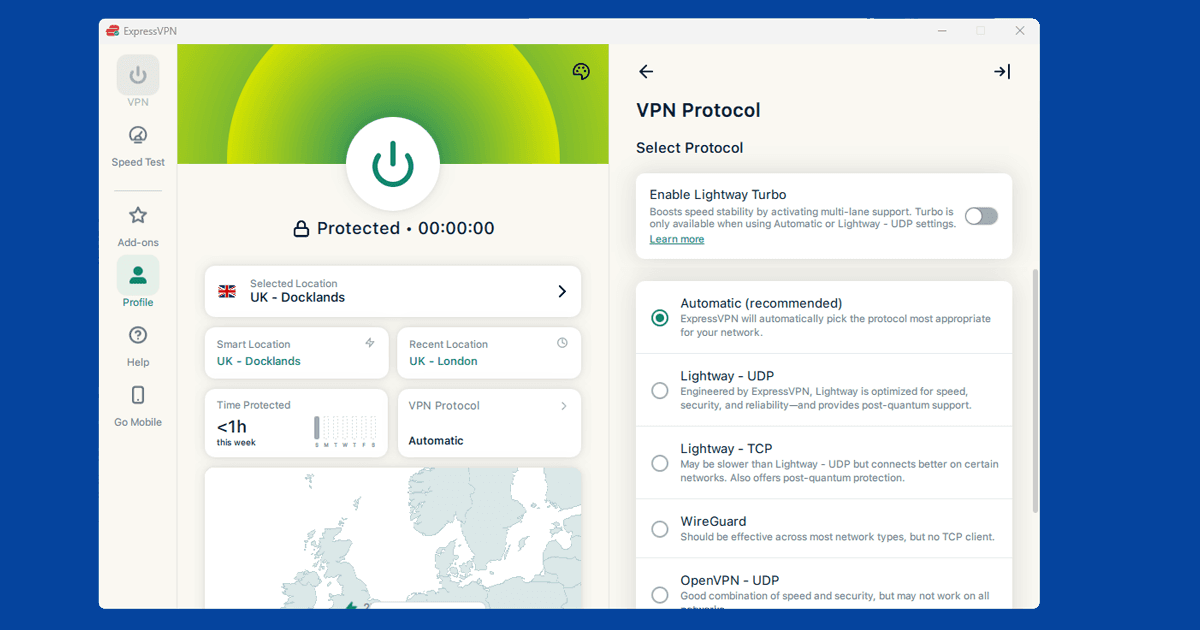
In ExpressVPN, select Italy and pick a city. In our experience RaiPlay's geo-blocking tends to be less aggressive than paid services like Netflix, so most Italian servers should get through without any fuss. If the first one doesn't work, Rome or another Italian city is worth a try. Our server switching guide has the steps for each app.
RaiPlay still blocked with a VPN? Try this
Start by checking whether the VPN is actually routing your traffic. Open our IP address checker with the VPN on. If it shows your real location rather than Italy, the VPN isn't connected properly. Reconnect and check again before trying anything else.
If the IP looks right but RaiPlay is still blocking you, open a fresh private window and load raiplay.it from scratch. Cached location data from previous visits can stick around after you connect the VPN, and a clean browser window gets round that.
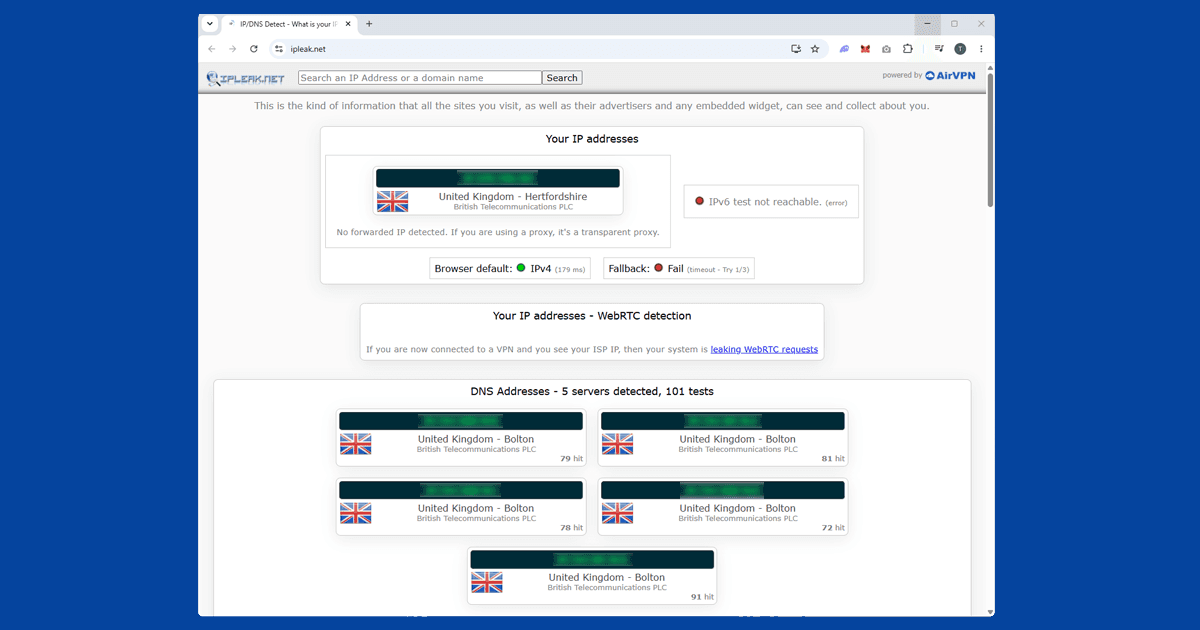
If that doesn't fix it, a DNS leak is worth checking. Your real location can come through in DNS requests even when the IP address looks correct. Our DNS leak guide explains how to spot and fix it. And if none of the above helps, switch from Milan to Rome. VPN server IPs do occasionally get flagged and trying a different Italian city usually does the job.
Watching RaiPlay on mobile and TV
RaiPlay has iOS and Android apps. Connect the VPN to an Italian server before you open the app. You need a full VPN app rather than a browser extension, since browser extensions only cover traffic inside the browser and won't do anything for a standalone app. If the RaiPlay app isn't in your local app store, raiplay.it in a mobile browser works just as well.
For TV, RaiPlay has apps on Android TV and Samsung Smart TVs. On Android TV devices, you can install your VPN app directly onto the device and connect to Italy before opening RaiPlay. For TVs without a VPN app option, running the VPN on your router is the most practical route: everything on your home network goes through it automatically, so the TV is covered without any extra setup on the TV itself. We haven't been able to confirm current RaiPlay availability on games consoles or Amazon Fire TV, so check the relevant store directly if that's how you'd want to watch.
One more thing worth doing if RaiPlay is a service you check in on regularly: turn on your VPN's kill switch. It stops your connection quietly falling back to your real IP if the VPN drops mid-session, which is exactly the kind of thing that makes a previously working setup suddenly throw a location error again. Our kill switch guide covers how to enable it in the major apps.
Buffering and picture quality
RaiPlay streams video at a lower bitrate than some subscription services to begin with, so any extra lag from routing through a VPN server can be more noticeable than it would be on, say, Netflix. If playback keeps stalling after you've connected to Italy, switching to the WireGuard protocol usually helps, since it's faster than older options like OpenVPN on most connections. It's also worth checking whether your own broadband is the actual bottleneck rather than the VPN: RaiPlay's live channels in particular can be unforgiving of a patchy connection. Our guide to VPN speed covers more general fixes if this keeps happening no matter what you try.
Does a free VPN work for RaiPlay?
Often, at least to begin with, since RaiPlay's geo-blocking is genuinely less aggressive than a lot of paid streaming services. That said, free VPNs still come with the usual downsides: a small number of shared servers that get congested and blocked more quickly, slower overall speeds, and in some cases real privacy concerns around how the provider funds itself.
Our guide to free VPN safety covers what to check before relying on one. If RaiPlay is something you'll use regularly, a paid VPN with reliable Italian servers is worth it for the consistency alone, even if a free one technically gets you in on a good day.
Sport and big events on RaiPlay
RAI has historically held free-to-air rights to a range of major Italian and international sporting events, though exactly what's covered shifts from year to year as broadcast deals are renewed. If there's a specific event you're hoping to catch, it's worth checking RAI's own schedule closer to the date rather than assuming based on previous years, since rights can move to a paid broadcaster like Sky Italia or DAZN instead. When RAI does hold the rights, RaiPlay's live channels are usually the way to watch, and the same Italian VPN server setup applies.
Most of the fixes in this guide, connecting before the page loads, using a private window, checking for a DNS leak, apply just as well to other geo-restricted broadcasters. If you're also wrestling with something like JioHotstar or SonyLIV, the troubleshooting order is nearly identical; just swap Italy for India as the server you connect to.