FixYourVPN
You settle in for an evening of gentle murder and Acorn TV tells you the service isn't available where you are. There's nothing wrong with your account or your subscription. Acorn TV simply checks your IP address before it lets anyone in, and if that address isn't in one of the countries it operates in, you're stuck outside. Connect your VPN to a server in a supported country first, and it opens straight up.
Why Acorn TV blocks you abroad
Acorn TV runs as its own subscription mainly in the US, Canada, the UK, Australia and New Zealand, though it's expanded into new markets before and could easily do so again. If your country isn't on that list, check acorn.tv rather than taking our word as final.
Outside wherever it currently operates, the service blocks access outright, even if you're already paying for it. That's not Acorn TV being difficult. It's only cleared the rights to distribute its shows in specific countries, and checking your IP address is how it enforces that.
Where it catches people out is travelling between two countries where Acorn TV works perfectly well on paper. Your account keeps working, but what's actually on the service isn't identical everywhere. Shows get licensed one country at a time more often than not, and that means something sitting in the UK library can be missing from the US one, and the other way round.
A VPN sorts out both versions of this problem the same way. Connect to a server in the country whose access, or catalogue, you're chasing, and Acorn TV treats you as if you were there.
What you need
- An Acorn TV subscription. You can subscribe directly at acorn.tv, or through Amazon Prime Video Channels or Apple TV Channels if you'd rather pay through an account you already have. Pricing and trial offers shift about a bit; check acorn.tv for what's currently on the table.
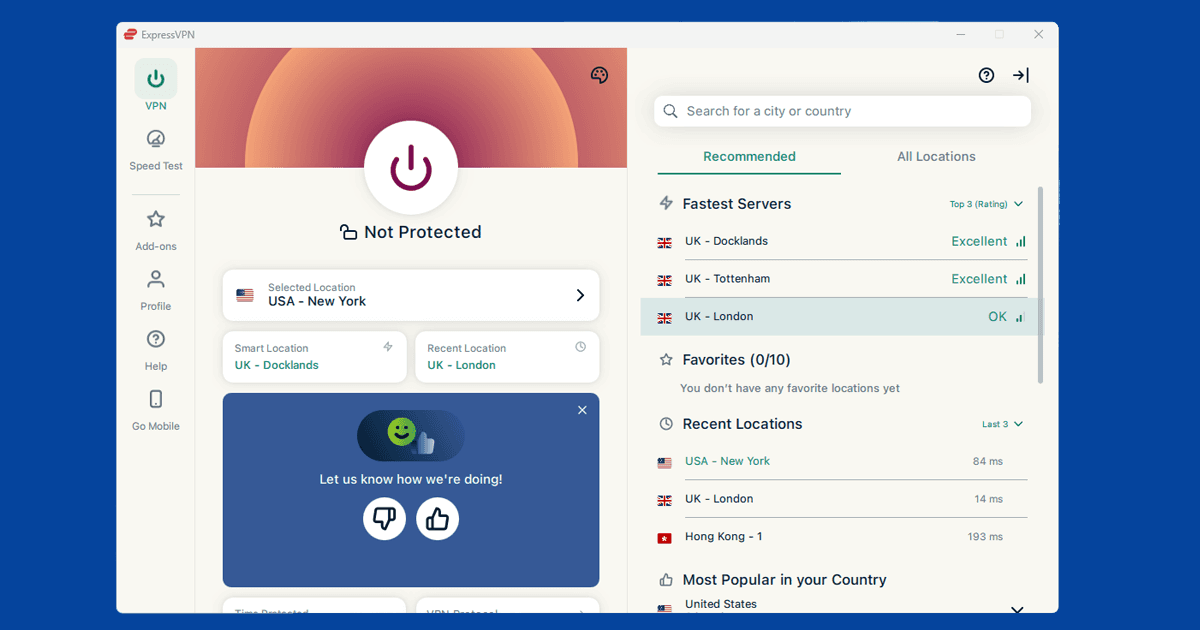
- A VPN with servers in a supported country. NordVPN and ExpressVPN both keep decent server pools in the US, UK, Canada, Australia and New Zealand, which covers every country Acorn TV supports at the moment. Either is a sensible pick if you're setting up a VPN for the first time.
How Acorn TV differs from BritBox
If you've already been through our BritBox guide, you might be wondering whether you actually need both. For anyone serious about British telly, probably yes, and they're less alike than the branding suggests.
BritBox UK is a joint venture between the BBC and ITV, drawing on their own archives: decades of BBC and ITV drama and comedy, plus the classic Doctor Who run. Acorn TV is a separate company altogether, owned by AMC Networks, with none of that back catalogue to call on.
Instead, it commissions its own mystery dramas and picks up shows from independent producers in the UK, Ireland, Australia and Canada, ones that might not otherwise get much of a life outside their home country. There's less overlap between the two than you'd expect. Chasing classic archive telly points you towards BritBox. A steady supply of new, low-key murder mysteries you've probably never heard of is much more Acorn TV's territory.
How to watch Acorn TV from abroad
- Connect your VPN to a server in a supported country before opening Acorn TV. If you load acorn.tv first and connect the VPN afterwards, it can lock in your real location for that session.
- Confirm your new location with our IP address checker. If it shows the country you meant to connect to, you're ready to go.
- Open acorn.tv in a private or incognito window. This avoids any cached location data from a previous visit giving you away.
- Sign in and press play. If you still see a location error, switch to a different server in the same country and try again. See our guide on switching VPN servers for the steps in each app.
Still not getting through?
Try a different server in the same country
Like most streaming services, Acorn TV appears to flag IP ranges rather than banning VPN providers outright, and data centre addresses often get caught over time regardless of which VPN they belong to. A different city, or just a different server in the same city, is often enough to get a clean IP address. Close the tab fully between attempts rather than just reloading.
Check for a DNS leak
A DNS leak is when your lookup requests slip through your regular internet provider instead of the VPN, which can give away your real location even though your IP address looks fine. Our DNS leak guide walks through checking and fixing this for each major VPN app.
Clear your cookies
If you loaded Acorn TV recently without the VPN switched on, your browser may well have hung onto your real location. Clear your cookies (our cache and cookies guide covers every browser), then reopen acorn.tv in a fresh private window with the VPN already connected.
What the error message looks like
Acorn TV's block usually shows up as something like "this service is not available in your region," or a note that the content you're trying to reach isn't available in your country, rather than calling out a VPN by name. If you're seeing that with a VPN connected to a supported country, it's worth checking your actual IP with our IP address checker before troubleshooting any further, since the server you're on may simply have been flagged.
Signing up and billing from a different country
Subscribing directly through acorn.tv normally needs a payment method acorn.tv is happy to accept for that country's pricing, which can be a sticking point if you're trying to sign up while already connected through a VPN to a country you don't actually live in. Going through Amazon Prime Video Channels or Apple TV Channels sidesteps this, since you're billed through an account you already hold rather than setting up a new payment method with acorn.tv directly. If you already subscribe through Amazon or Apple, that subscription should keep working wherever a VPN takes you, within a supported country, without any extra sign-up step.
If you're after British drama generally, not just Acorn TV
Acorn TV isn't the only place for this kind of thing. If it doesn't have what you're after, BritBox covers a lot of BBC and ITV archive material Acorn TV doesn't touch, and free UK services like U and BBC iPlayer are worth a look too if the show you want happens to be there instead, without needing a subscription at all.
Using the Acorn TV app on phones, tablets, and TVs
Acorn TV has apps for iOS, Android, Apple TV, Amazon Fire TV, Roku and Chromecast. On a phone or tablet, use the full VPN app rather than a browser extension, since an extension only protects browser traffic and won't cover the Acorn TV app running separately. Connect the VPN first, then open the app.
For Apple TV, Fire TV and Roku, install your VPN provider's app directly on the device if it has one. If it doesn't, or you're on a smart TV that can't run VPN apps at all, install the VPN on your router instead, which covers every device on your network automatically, or connect the TV to a phone or laptop hotspot that's already running the VPN.
What's actually on Acorn TV
Acorn TV specialises in British, Irish, Australian and Canadian mystery and drama, the sort of show that rarely gets much of a push on the bigger streaming services. It sits in the same AMC Networks stable as Shudder and Sundance Now, though it's sold as its own subscription rather than folded into one of those.
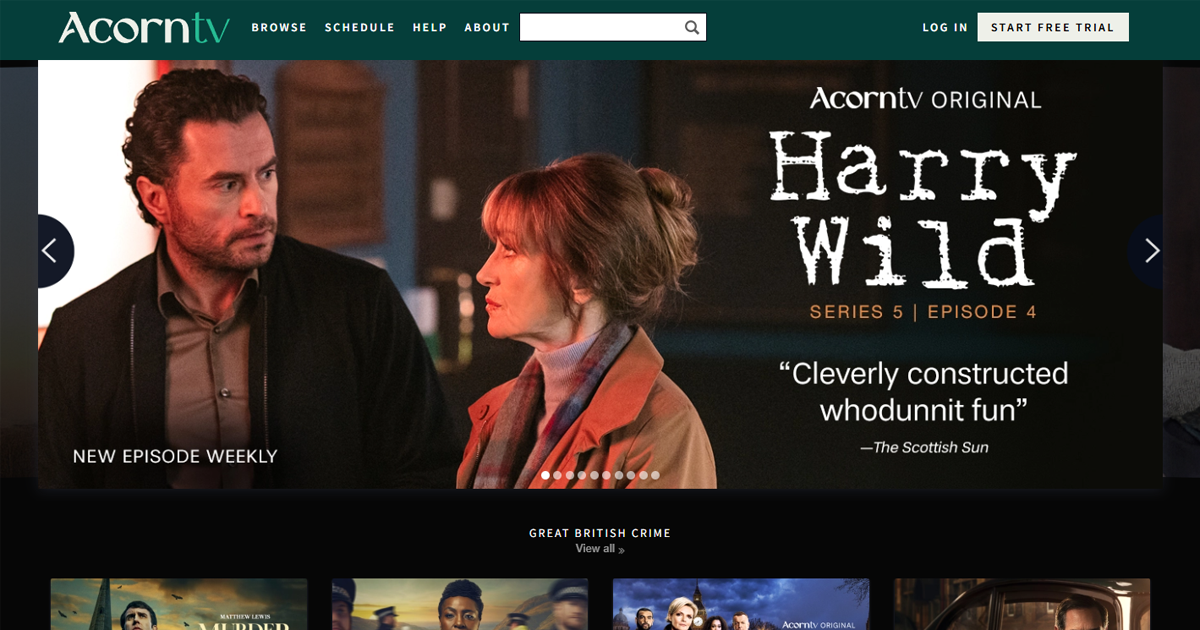
A good chunk of what makes it worth having is Acorn TV Originals: shows like Harry Wild, Whitstable Pearl, The Chelsea Detective, London Kills and Queens of Mystery are made specifically for the service. Alongside those are licensed-in favourites such as Doc Martin, Agatha Raisin and Foyle's War.
One thing worth knowing if you're coming from an ad-supported service like Peacock: Acorn TV has generally kept itself ad-free across the board, so there's no cheaper tier with adverts to accidentally land on.