FixYourVPN
U, which rebranded from UKTV Play in July 2024, is now at u.co.uk. If you've been typing uktvplay.co.uk, that's why it's redirecting. The geo-blocking works the same as before: UK IP addresses only. Compared to BBC iPlayer or Sky Go, U is one of the easier services to unblock with a VPN, and a server switch usually sorts it quickly.
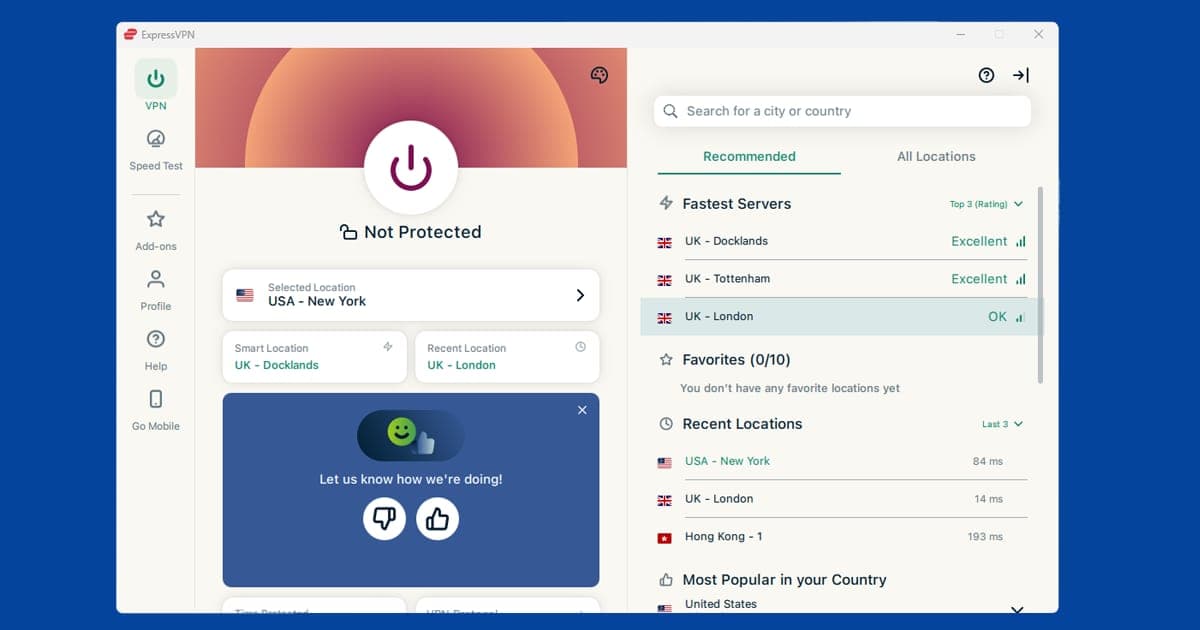
Switch to a different UK server
If U is showing a location error or refusing to play, first check your VPN is actually showing a UK location using our IP address checker. If it is, the server you're on has probably been flagged. U keeps its blocked IP list updated regularly, so a server that worked last week might not work today. Try two or three different UK servers before moving on to other fixes.
NordVPN and ExpressVPN both rotate their UK server pools regularly, so there's almost always a clean IP to try. If you're on a free VPN, the chances of finding an unflagged server are much lower. Our guide to switching VPN servers has the steps for all major apps.
Create a free U account
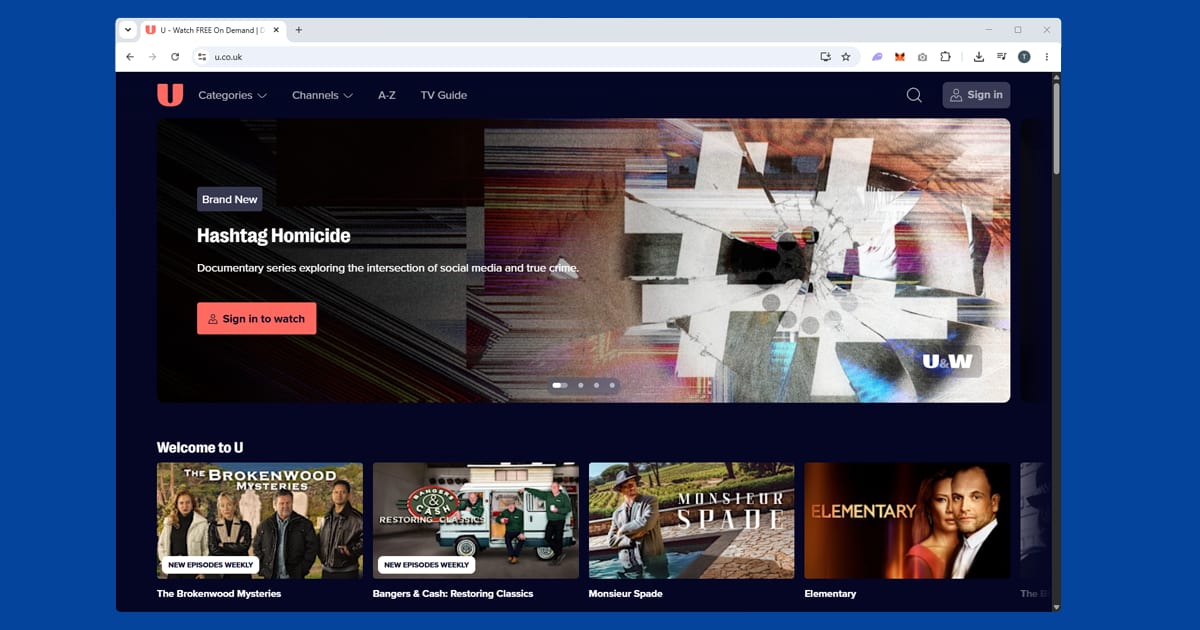
U requires a free account to watch most content. Sign up at u.co.uk with your email address, a password, and a date of birth. No UK address or payment details are needed. If you already had a UKTV Play account, your login carries over to U.
Make sure you're signed in before trying to watch. If you're not logged in, you can sometimes hit location errors even with a valid UK IP.
Clear cookies and open a private window
If you've visited U or the old UKTV Play site before without a VPN, your browser may be carrying location cookies from that session. Even with a UK IP now active, those old cookies can cause playback to fail.
Connect your VPN first, then open a private window (Incognito in Chrome and Edge, Private Browsing in Firefox and Safari) and go to u.co.uk. Private windows start with no stored data, so U can only see your current UK connection.
If U plays in a private window but not your regular browser, clearing cookies fixes it for good:
- Chrome: three-dot menu SettingsPrivacy and securityDelete browsing data, tick Cookies, set range to All time
- Edge: three-dot menu SettingsPrivacy, search, and servicesClear browsing data, tick Cookies, set range to All time
- Firefox: hamburger menu SettingsPrivacy & SecurityClear Data
- Safari (Mac): SafariSettingsPrivacyManage Website Data
- Safari (iPhone/iPad): open the Settings app AppsSafariClear History and Website Data
Check for a DNS leak
If your IP checker shows a UK server but U still won't play, run a quick DNS leak test. A DNS leak happens when your device's lookup requests slip outside the VPN tunnel and reveal your real location, even though your IP address looks fine. It's a less common cause of a U block than a flagged server or an old cookie, but it's worth ruling out if you've already tried a couple of servers and a private window with no luck. Turn on DNS leak protection in your VPN app's settings, reconnect, and try U again.
Do free VPNs work with U?
Not reliably, in most cases. U is one of the gentler UK services to unblock, which is exactly why it can feel like a free VPN "should" work, but free providers usually run a tiny pool of shared servers that get flagged fast once enough people are routing UK traffic through the same handful of addresses. You might get lucky for a session or two.
You're just as likely to load U, get partway into an episode, and watch it buffer out entirely. A paid VPN with a decent spread of UK servers, the kind we recommend further down this page, tends to be the more dependable route if you're watching regularly rather than just checking whether it's possible.
How U compares to other free UK services
If you're already unblocking Channel 4, ITVX, or My5 with your VPN, U slots into the same routine without much fuss. It works the same basic way as Channel 4, ITVX, and My5: connect to a UK server, sign in with a free account, and watch. Of that group, U tends to be one of the least fussy about VPN detection, so if Channel 4 or ITVX are giving you more trouble on a particular server, it's worth trying that same server on U first, just to confirm your VPN connection itself is sound.
The same UK server that gets you into U will usually also work for Now TV, since neither runs the heavier, layered checks that BBC iPlayer or Sky Go use.
Try the U app instead of the browser
U has apps for iPhone, Android, and several smart TV platforms. If the browser version is giving you trouble, the app is worth a try. Make sure you're using the full VPN app on your device rather than a browser extension: extensions only cover traffic inside the browser and won't protect the U app.
If the app itself isn't working, clear its cache first. On iPhone, go to Settings > General > iPhone Storage > U > Offload App. On Android, go to Settings > Apps > U > Storage > Clear Cache. Reconnect your VPN before reopening.
U on your TV or streaming stick
U has apps for Amazon Fire TV, Apple TV, and a range of Freeview Play and Freesat devices. A Fire TV Stick is the simplest setup for watching abroad: install a VPN app and the U app directly on the stick, connect to a UK server, then open U. NordVPN and ExpressVPN both have Fire TV apps in the Amazon app store.
Samsung, LG, and Sony smart TVs often have U available, but most smart TV operating systems don't support VPN apps. Your best options are setting up the VPN on your router (which covers every device on your home network including the TV), or sharing a laptop's VPN connection as a wi-fi hotspot and connecting the TV to that.
What's on U
U is the free streaming home of the channels formerly known as Dave, W, Gold, Yesterday, Drama, Alibi, Really, Home, and Eden, now rebranded under the U family (U&Dave, U&Drama, and so on). It's the place for British panel shows, classic comedy, crime box sets, history documentaries, and lifestyle content, all free with ads and no TV licence required.
U&Dave is the flagship: QI, Never Mind the Buzzcocks, and a large back catalogue of stand-up alongside original commissions. U&Gold is the home of classic British sitcoms in full. U&Drama carries crime and thriller box sets. Every channel has both a live stream and an on-demand catch-up library. Content is available for 30 days after broadcast.
U shows on Channel 4's streaming service
Since January 2026, a selection of U's programmes has also been available on Channel 4's streaming service. It's the first time Channel 4 has carried another broadcaster's streaming brand on its own platform, and the U selection includes favourites such as The Office, Red Dwarf, QI XL, Would I Lie to You? and Not Going Out.
That gives you a second route to some of the same shows, which is handy when one service is being difficult. If U shows a location error on your current UK server but Channel 4 doesn't, you can watch the episode there instead, and the other way round. Both are free and both need a UK connection, so the same VPN set-up works for each. Bear in mind that Channel 4 only carries a selection, so the full U library is still on U itself.
There's one difference to keep in mind. Channel 4 has its own account system and its own way of spotting VPNs, so a server that works fine for U may not suit Channel 4. Our Channel 4 guide covers its quirks, and the UK streaming hub has the rest of the free UK services.