FixYourVPN

FuboTV is US-only and stricter than most streaming services. It checks both your IP address and your DNS requests, which is why some VPNs fail even when they appear to be connected. You'll also need an existing FuboTV subscription with a US billing address: a VPN gives you access, but it can't replace the account itself.
What FuboTV needs to let you in
To watch FuboTV from outside the US you need two things: a VPN connected to a US server, and an active FuboTV subscription registered with a US billing address and payment method. A VPN without a subscription won't get you in, and a subscription without a US VPN won't either.
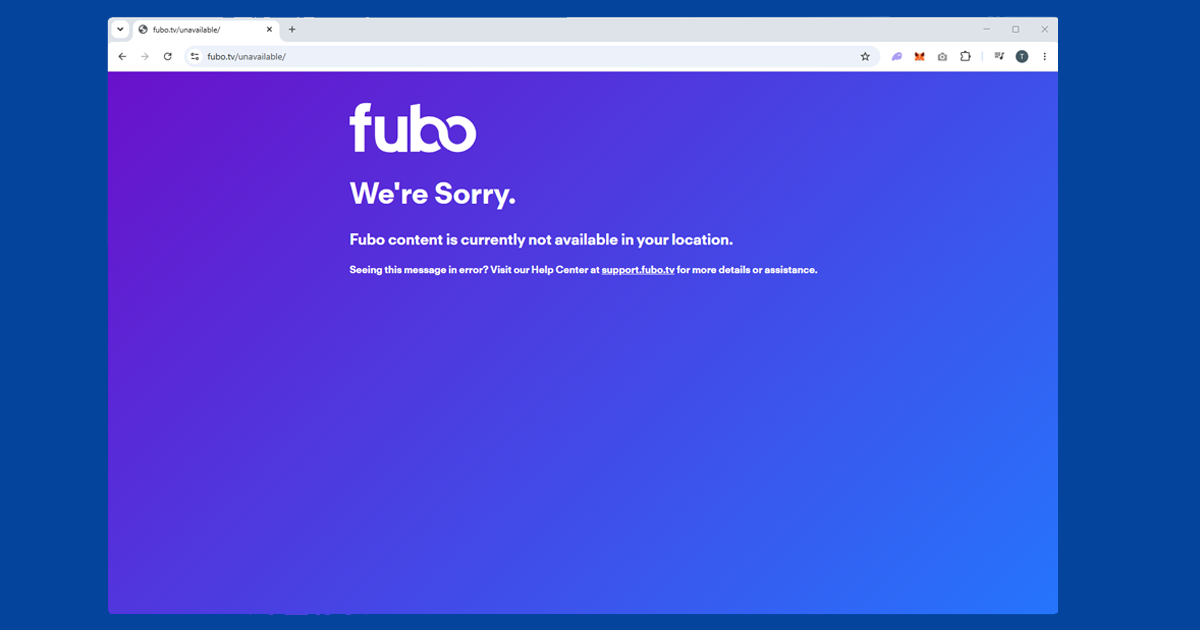
FuboTV checks your location in two ways: your IP address and your DNS requests. Many VPNs protect the IP side but leave DNS requests going through your regular internet provider, which gives your real location away. Enabling DNS leak protection in your VPN settings closes that gap. When FuboTV detects a non-US connection, you'll see "FuboTV isn't available in your location".
If you don't have a FuboTV subscription yet, signing up from outside the US requires a US billing address and a US payment method. A prepaid US virtual card is one option. Connect your VPN to a US server during sign-up and keep it connected throughout.
Switch to a different US server
If you're seeing a location error, the server you're on has probably been flagged. FuboTV updates its blocked IP list regularly, so a server that worked last month might not work today. Switch to a different US server and try again. New York, Chicago, and Los Angeles all have large server pools with plenty of IPs to try. Try two or three before moving on.
In NordVPN, open the server list, search "United States," and pick a different server. Look for ones marked with a streaming icon. In ExpressVPN, tap Choose Location, select United States, and try a different city. Our guide to switching VPN servers has the steps for all major apps.
Enable DNS leak protection
A lot of people miss this one. FuboTV checks your DNS requests as well as your IP, so if your VPN is leaking DNS traffic through your regular internet provider, FuboTV can see your real location even when your IP looks American.
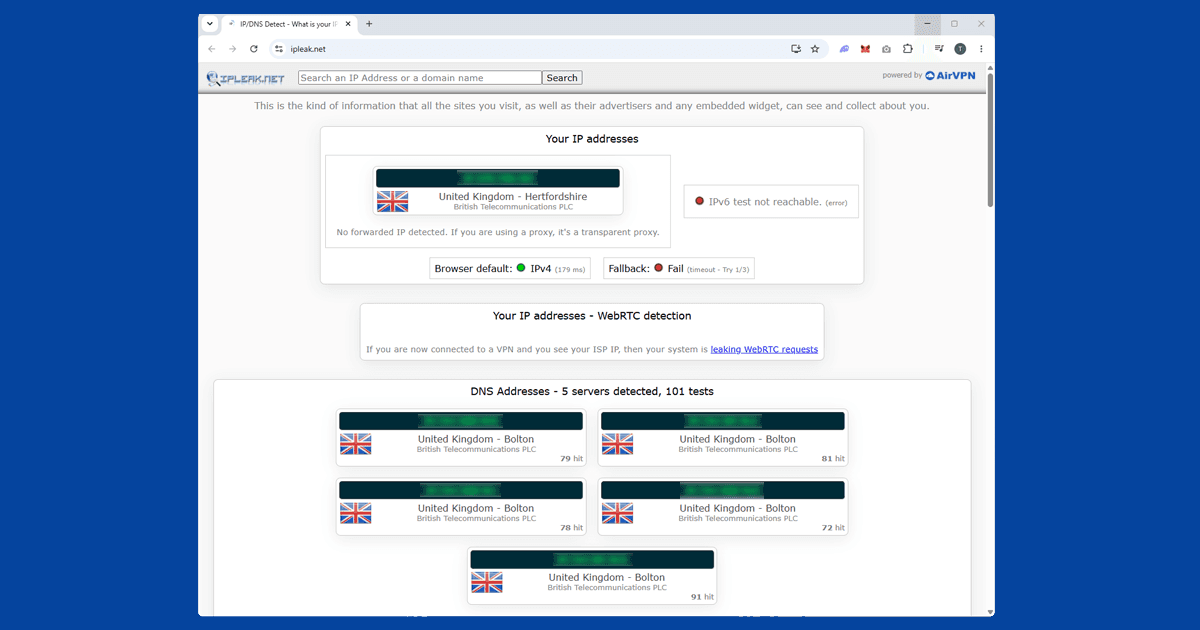
In NordVPN, go to Settings > Connection and make sure DNS leak protection is on. In ExpressVPN, it's handled automatically when you connect. To check it's working, use our IP checker with your VPN on: if your real internet provider appears in the results, the leak isn't fixed.
Clear cookies and open a private window
If you've visited fubo.tv before without a VPN, your browser may have stored location data from that session. Connect your VPN to a US server first, then open a private window (Incognito in Chrome and Edge, Private Browsing in Firefox and Safari) and go to fubo.tv. Private windows start fresh with no stored data.
If FuboTV works in a private window but not your regular browser, clear your cookies for good:
- Chrome / Edge: three-dot menu SettingsPrivacy and securityClear browsing data, tick Cookies, set range to All time
- Firefox: hamburger menu SettingsPrivacy & SecurityClear Data
- Safari (Mac): SafariSettingsPrivacyManage Website Data
- Safari (iPhone/iPad): open the Settings app AppsSafariClear History and Website Data
Check your VPN is actually showing a US location
If you've tried multiple servers and it's still not working, use our IP address checker with your VPN connected. If it shows a US location, your VPN is working and the block has another cause. If it shows your real location, switch to a different US server and test again. If multiple servers all fail the location check, you probably need a VPN with stronger US server coverage. Our VPN recommendations covers the reliable options.
Change your VPN protocol
If server switching hasn't fixed it, try changing your VPN protocol. WireGuard tends to work better for streaming than older options like OpenVPN.
- NordVPN: Settings > VPN protocol > NordLynx (NordVPN's WireGuard-based option).
- ExpressVPN: Settings > Protocol > Lightway UDP.
Switch protocol, reconnect to a US server, and try FuboTV again. If you're on a corporate or university network that blocks VPN traffic, try OpenVPN TCP on port 443 in NordVPN, or Lightway TCP in ExpressVPN: these blend in with regular HTTPS traffic and are harder for firewalls to block. Our protocol guide has the steps for each app.
FuboTV on smart TVs and consoles
If the browser keeps blocking you, try the FuboTV app instead. Make sure you're using the full VPN app on your device rather than a browser extension: extensions only cover traffic inside the browser.
- iPhone and Android: install the FuboTV app, connect your VPN, then open it.
- Fire TV Stick: the simplest option. Install your VPN app from the Amazon app store, connect to a US server, and open FuboTV.
- Apple TV: NordVPN and ExpressVPN both have native Apple TV apps. Install one, connect to a US server, and open FuboTV.
- Roku: no native VPN app support. Use a router VPN or hotspot.
- Samsung, LG, and Sony smart TVs: same as Roku: router VPN or laptop hotspot.
What's on FuboTV
FuboTV is built around live sport, with broad coverage across major American leagues and some international competitions:
- NFL: live games via CBS, Fox, NBC, ESPN, and NFL Network, plus NFL RedZone on higher tiers
- NBA: games on TNT, ESPN, and NBA TV, depending on tier
- NHL: coverage via ESPN and TNT
- MLB: games on ESPN, Fox, and FS1
- Premier League: select matches via USA Network
- UEFA Champions League: some matches via CBS Sports
- Tennis, golf, and motorsport: via ESPN, Golf Channel, and FS1
Exact channels depend on your subscription tier. FuboTV offers several plans at different price points, all US-only.
Terms of service note: FuboTV's terms of service limit access to US residents. Using a VPN from outside the US technically falls outside those terms. Account action for VPN use isn't commonly reported by subscribers, but know the policy before signing up.
Keeping the stream stable during a live game
Live sport is a lot less forgiving of a wobbly connection than an on-demand show you can pause. If your VPN drops and reconnects mid-match, even for a second, FuboTV can flag the gap and interrupt the stream right when you don't want it to. Turning on your VPN's kill switch stops this: it cuts your internet rather than quietly falling back to your real IP while the VPN reconnects, so FuboTV never sees anything but a clean US connection. If drops are happening often rather than as a one-off, our guide on why your VPN keeps cutting out covers the usual causes, from wi-fi interference to an overloaded server.
For picture quality, a nearby US server on WireGuard gives the best results for live sport. It's a much leaner protocol than OpenVPN and handles a constant video stream with less overhead, which matters more for live content than it does for something you can let buffer and walk away from.