FixYourVPN

CBC Gem is Canada's answer to BBC iPlayer: a free public broadcaster streaming service with a huge library of Canadian TV and documentaries. It's blocked outside Canada, and getting in from the UK takes two things: a VPN connected to a Canadian server, and a free CBC Gem account. The account part catches people out because sign-up asks for a Canadian address. We'll cover both, and what to do if you're still blocked afterwards.
Connect to a Canadian server
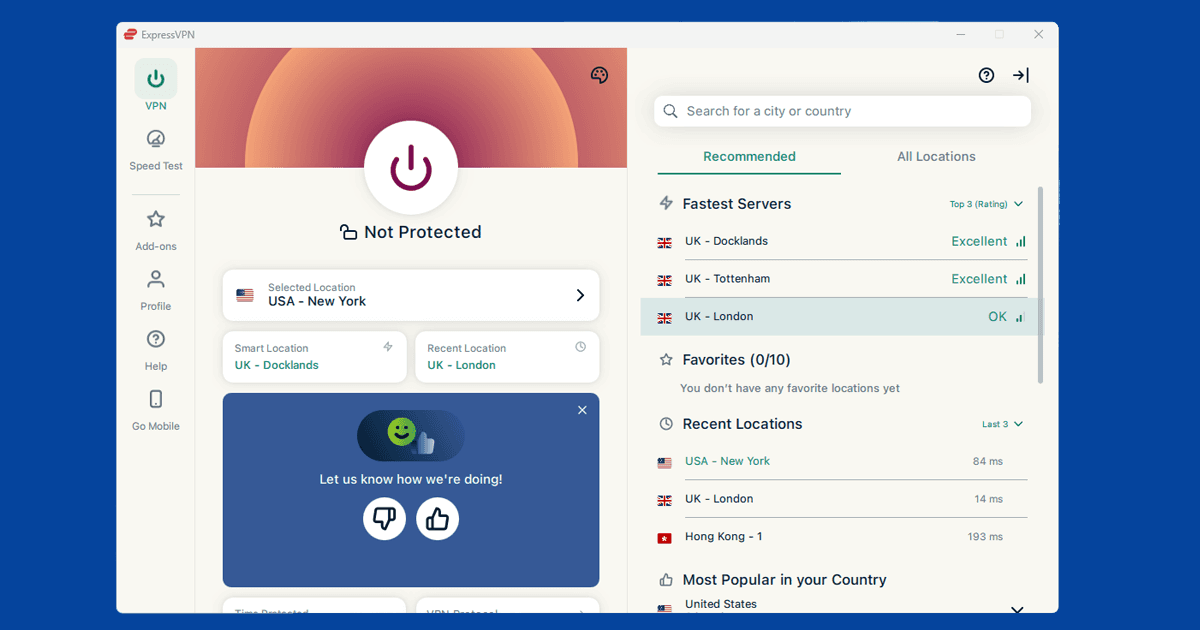
Open your VPN app and connect to a Canadian server before you do anything else. Toronto is the best starting point: it's the most well-served city for Canadian servers and gives the fastest connection for most people in the UK. Montreal is a reliable backup if Toronto isn't working.
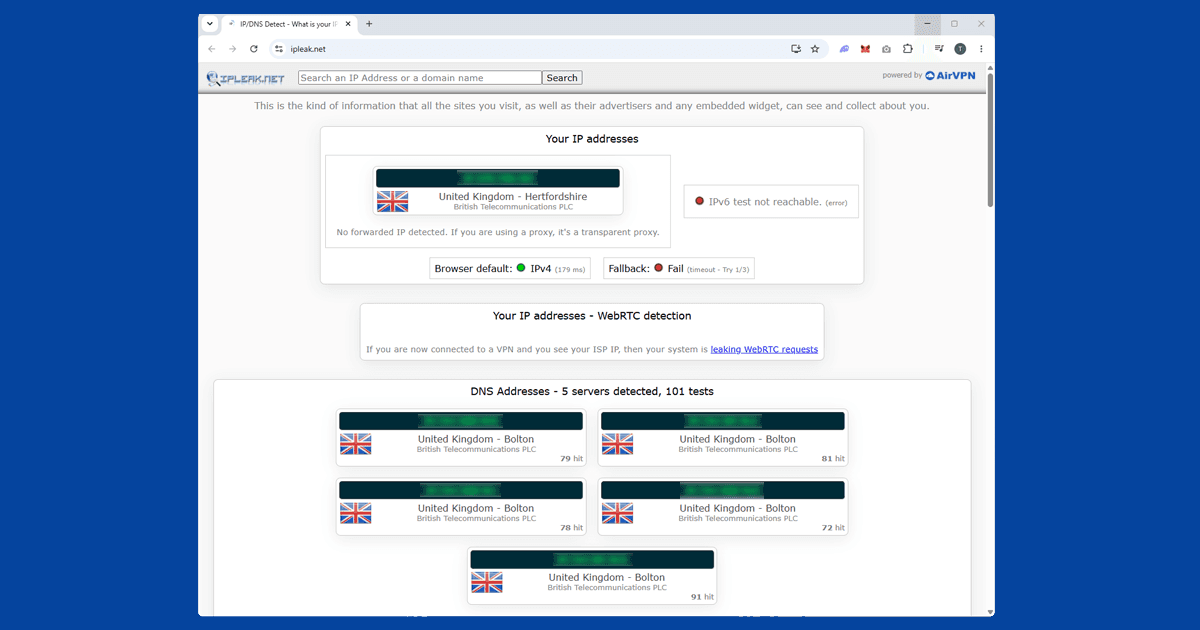
In NordVPN, search for Toronto in the server list and connect. In ExpressVPN, select Canada from the location list and pick Toronto. Before opening CBC Gem, use our IP address checker to confirm your VPN is showing a Canadian location. If it is, move on to creating your account.
Create your CBC Gem account
CBC Gem requires a free account to watch most content, and the sign-up form asks for a Canadian address. This is the step that catches out most UK users. According to CBC's own support page, a Canadian address is required for account creation. You don't need a real personal address: just enter a valid Canadian format. Toronto postal codes start with the letter M (for example, M5V 2T6 for downtown Toronto) if you need a format to follow. The address is only asked for at sign-up and isn't used for billing.
Sign up at gem.cbc.ca with your email address. No Canadian payment method is needed for the free tier. Once the account is set up, you're done: you won't be asked for the address again.
Switch server if you're still blocked
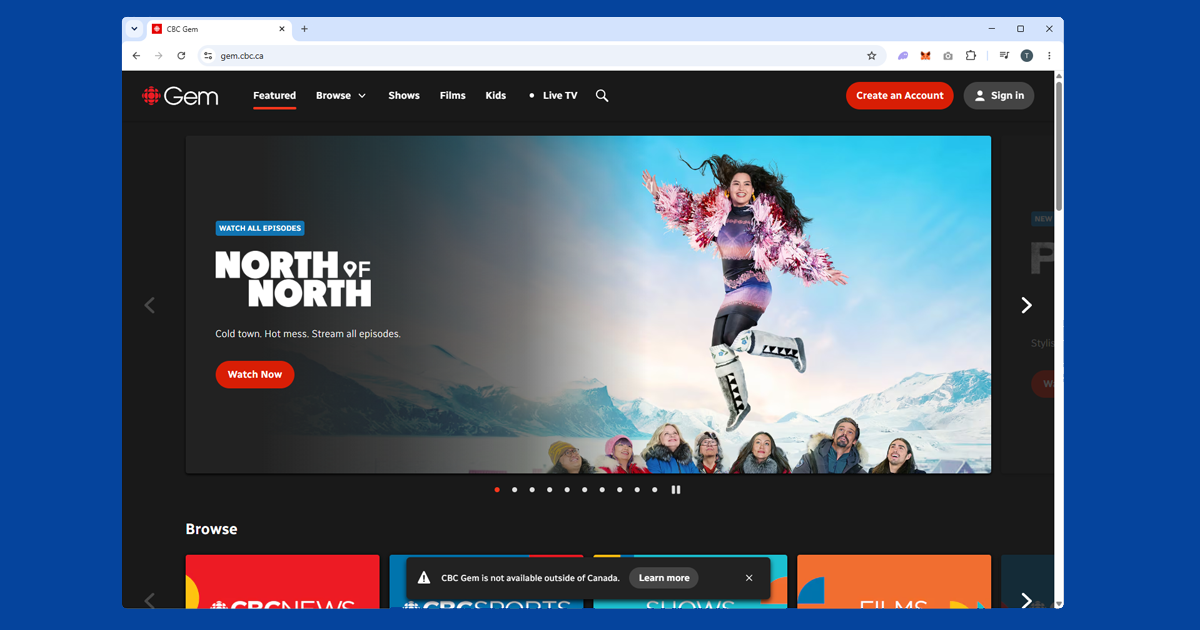
If CBC Gem shows a geo-restriction error after connecting, the server you're on has probably been flagged. Switch to a different Canadian server in your VPN app and try again. Toronto and Montreal both tend to have clean, unblocked IPs, so try another server in the same city before switching cities.
CBC Gem's detection is a lot less aggressive than most US or Australian services, so a server switch usually gets you through in one or two attempts. If you've tried several servers and you're still seeing the error, use our IP checker to make sure your VPN is genuinely showing a Canadian location rather than your real one. If it isn't, try switching VPN protocol: open your VPN app's settings, look for Protocol or Connection, and switch to WireGuard. It's the fastest and most reliable option.
Open CBC Gem in a private window
If you've visited CBC Gem before without a VPN, your browser may have stored cookies that include your real location. Even with your VPN on, those old cookies can cause playback to fail.
Connect your VPN first, then open a private window (Incognito in Chrome and Edge, Private Browsing in Firefox and Safari) and go to gem.cbc.ca. The order matters: VPN on, then private window, then CBC Gem.
If CBC Gem plays in a private window but not your regular browser, clearing your cookies fixes it for good:
- Chrome: three-dot menu SettingsPrivacy and securityClear browsing data, tick Cookies, set range to All time
- Firefox: hamburger menu SettingsPrivacy & SecurityClear Data
- Safari (Mac): SafariSettingsPrivacyManage Website Data
- Safari (iPhone/iPad): open the Settings app AppsSafariClear History and Website Data
- Edge: three-dot menu SettingsPrivacy, search, and servicesClear browsing data, tick Cookies
CBC Gem on your phone, tablet, and TV
CBC Gem has apps for iOS, Android, Apple TV, Amazon Fire TV, Roku, Android TV, Samsung Smart TVs, LG Smart TVs, and Xbox. Make sure you're using the full VPN app rather than a browser extension: extensions only protect traffic inside your browser and won't cover the CBC Gem app. Connect to a Canadian server first, then open CBC Gem.
The CBC Gem app may not appear in your regional App Store outside Canada. If it doesn't show up, switch your store region to Canada to download it, or use the gem.cbc.ca website instead. The website version works well on mobile for on-demand content.
Samsung and LG Smart TVs have a native CBC Gem app you can download directly. The catch is those TVs don't support VPN apps, so you still need one of these workarounds to give the TV a Canadian IP:
- Router VPN: Install the VPN on your router. Everything on your home network, including the TV, then goes through a Canadian connection automatically.
- Phone or laptop hotspot: Connect your phone or laptop to a Canadian VPN server, share it as a wi-fi hotspot, and connect the TV to that instead of your regular network.
What's on CBC Gem
CBC Gem is the only place to stream CBC originals in full. The big draw is Schitt's Creek: all six seasons are here as it's a CBC original, and the library on CBC Gem is more complete than what Netflix carries internationally. Other highlights include Kim's Convenience, Murdoch Mysteries, Dragons' Den Canada, and a strong documentary back-catalogue including The Nature of Things and The Fifth Estate.
CBC Gem also streams CBC Television live, so you can watch the main CBC channel in real time with a Canadian VPN connection, including CBC News broadcasts and major events.
Free versus Premium
The free tier is genuinely free: the full on-demand library with adverts, plus a live stream of the main CBC Television channel. You just need a free CBC Gem account, and a Canadian address when you sign up. No subscription fee, no payment method required.
CBC Gem Premium removes adverts and adds access to additional live CBC regional and specialty channels. Premium does require a Canadian payment method to subscribe, which makes it trickier to access from outside Canada. For most people watching from the UK, the free tier covers everything you'll want: Schitt's Creek, all the Canadian originals, documentaries, and CBC News are all included without paying.
Common error messages
CBC Gem's error messages are fairly straightforward, but here's what the main ones mean in practice:
- "This content is not available in your area": the standard geo-block message. Either your VPN isn't connected, isn't showing a Canadian IP, or the specific server has been flagged. Run through the server switch and IP check steps above.
- A sign-up form that won't accept a non-Canadian address: this is expected. Connect your VPN to Canada first, then load the sign-up page, and use a Toronto or Montreal postal code format.
- Video that loads then freezes on a loading spinner: more often a cookie issue than a location block. Try a private window before assuming your VPN has failed.
Buffering and streaming quality
CBC Gem generally streams cleanly once you're past the location check, since it isn't live sport and doesn't need to keep pace with a real-time broadcast the way a service like TNT Sports or ESPN+ does. If picture quality is stuck low or playback keeps pausing, switch to WireGuard if you're on an older protocol, since it handles sustained video noticeably better. A Toronto or Montreal server that's less congested also helps; if your VPN app shows server load, pick one under 50%. Testing your regular broadband speed with the VPN switched off is worth doing too, just to rule out your own connection as the actual bottleneck.
Free VPNs and CBC Gem
CBC Gem is one of the gentler streaming services to unblock, and a free VPN will sometimes get you in, at least for a while. The catch is consistency: free VPNs run a small number of heavily shared servers, and even where CBC Gem hasn't specifically blocked the IP, the connection is often too slow or congested for smooth playback. Unlike sports-focused services such as DAZN or beIN Sports, which check your location more aggressively in real time during a live broadcast, CBC Gem's on-demand shows are a lighter test to pass. There's also the broader issue that many free VPNs make money by logging and selling browsing data instead of charging for the app, which we cover in Are Free VPNs Safe?. If CBC Gem is something you watch regularly, a paid VPN with Canadian servers is the more dependable choice.