FixYourVPN
ChatGPT and VPNs have a complicated relationship. The error you see can come from three different places: your country is blocked by OpenAI, your VPN server's IP address has been flagged, or your school or work network is filtering ChatGPT out. Each one looks the same on screen but needs a different fix.
Why ChatGPT might be blocking you
Your country blocks ChatGPT. OpenAI restricts access in a number of countries including China, Russia, North Korea, Iran, Cuba, and Syria, largely tied to US export control rules and, in some of those countries, restrictions on their end too. This list isn't fixed and OpenAI doesn't publish a single definitive version of it, so if you're unsure whether your country is affected, check the current list on OpenAI's support page rather than relying on any single article, including this one. If you're in a restricted country, you need a VPN connected to a supported country before opening ChatGPT. In heavily censored countries like China and Iran, standard VPN protocols are often blocked too, so you may also need to switch to a protocol with obfuscation.
Your VPN's IP address has been flagged. OpenAI checks incoming IP addresses against commercial databases of known data-centre and VPN IPs, and blocks them. If ChatGPT works fine without your VPN but fails with it on, this is almost certainly the cause. Switching to a different server in the same country gives you a fresh IP that likely hasn't been flagged yet.
Your school or work network is blocking ChatGPT. Some institutions block AI tools at the network level. A VPN connected to any unrestricted server bypasses this straight away. Use our IP checker to confirm your VPN is active and showing a location outside the restricted network.
Fix 1: Connect to a server in a supported country
Connect your VPN to a server in the UK, US, Germany, or the Netherlands before opening ChatGPT. These all have reliable access and large server pools. Once connected, open chatgpt.com in a private window to start with a clean session.
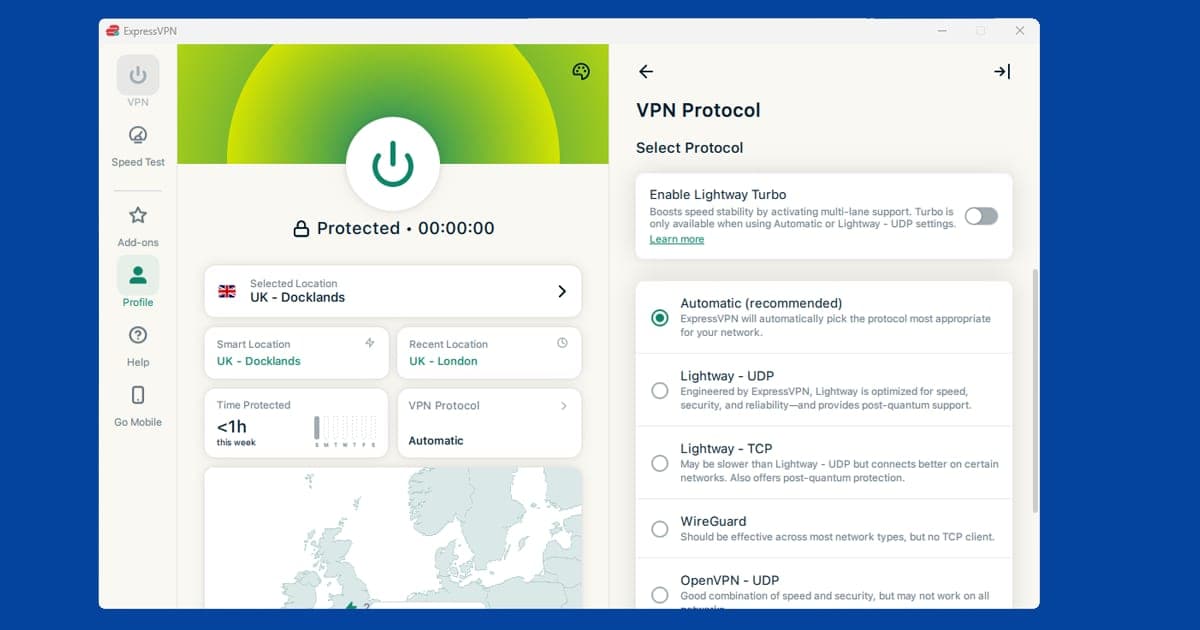
If you're in a country with active censorship (China, Iran), standard VPN connections can themselves be detected and blocked. In NordVPN: go to Settings > VPN Protocol and switch to OpenVPN (TCP). In ExpressVPN: set the protocol to Automatic or Lightway. Our guide on changing your VPN protocol has the full steps.
ChatGPT errors look the same whether your country is blocked or your VPN's IP has been flagged. Working out which one applies takes 30 seconds and determines where to start.
Fix 2: Switch to a different server
If ChatGPT works without your VPN but fails with it on, your VPN server's IP has been flagged by OpenAI. This is separate from country-level restrictions. Switch to a different server in the same country and try again. Try three or four before moving on. OpenAI's blocking is IP-specific, so a fresh address usually sorts it.
If switching servers repeatedly doesn't help, it's worth trying a static IP that isn't shared with other VPN users. NordVPN's Dedicated IP add-on gives you a fixed address that's used by no one else, which tends to get flagged far less often than a shared server, though it isn't a genuine residential (home broadband) address. It's an extra cost on top of your subscription, but it's one of the more reliable fixes for persistent blocks. Check NordVPN's current pricing and country availability for this add-on before relying on it, as both can change.
Fix 3: Clear cookies and use a private window
Old session cookies can carry your real location into a new browsing session, causing ChatGPT to block you even when your VPN is running. Reconnect your VPN first, then clear cookies for your browser:
- Chrome: Settings > Privacy and security > Delete browsing data > set time range to All time > tick Cookies and other site data
- Firefox: Settings > Privacy & Security > Clear Data > tick Cookies
- Safari: Safari > Settings > Privacy > Manage Website Data > Remove All
- Edge: Settings > Privacy, search, and services > Clear browsing data > Choose what to clear > set time range to All time
After clearing, open chatgpt.com in a fresh private window. For the full process, see our cookie-clearing guide.
Fix 4: Try the ChatGPT app
The ChatGPT app handles location detection differently from the browser version and sidesteps some of the techniques that cause blocks. Some server IPs that fail in the browser work fine in the app.
ChatGPT has apps for iPhone, Android, Mac, and Windows. On all platforms, make sure you're using the full VPN app rather than a browser extension. A browser extension only covers traffic inside your browser, not standalone apps. Connect your VPN first, then open ChatGPT.
Fix 5: Sort out billing before you sign up or upgrade
Creating a new ChatGPT account through a VPN can be trickier than logging into an existing one. OpenAI uses phone number verification during sign-up, and if your phone number's country doesn't match your VPN server's country it may reject the attempt. If you're signing up while travelling:
- Connect to a VPN server in your home country before starting the sign-up process.
- Use your regular phone number for verification, even if your VPN shows a different country.
- If sign-up keeps failing, try a private window and disable any other browser extensions that might be interfering.
Logging into an existing account has lighter verification requirements and usually works with a simple server switch. Upgrading to ChatGPT Plus, Team, or Enterprise brings a second layer to this, though: your payment card. If you're on a UK card and connected to a US server, some banks flag the transaction as suspicious because the billing address and the apparent location don't line up. If a Plus subscription payment fails while you're travelling, switch your VPN to a server in the country your card was issued in and try again. It's your bank's fraud check causing the problem, not OpenAI.
Fix 6: Stop constant logouts and "unusual activity" warnings
If ChatGPT keeps logging you out or throws up a warning about unusual activity on your account, a likely explanation is hopping between VPN servers in different countries too quickly. OpenAI doesn't publish the details of how its account security checks work, but rapid location changes are a common trigger for this kind of warning across most online services, since that pattern also resembles a compromised account being accessed from somewhere new. Testing several servers in quick succession can look similar from the outside.
Pick one server and stick with it for the session. If you were testing servers to find one that works, once you've found it, stay connected rather than continuing to try others "just in case." Give it a few hours before switching again if you keep getting flagged.
Fix 7: Rule out a DNS leak
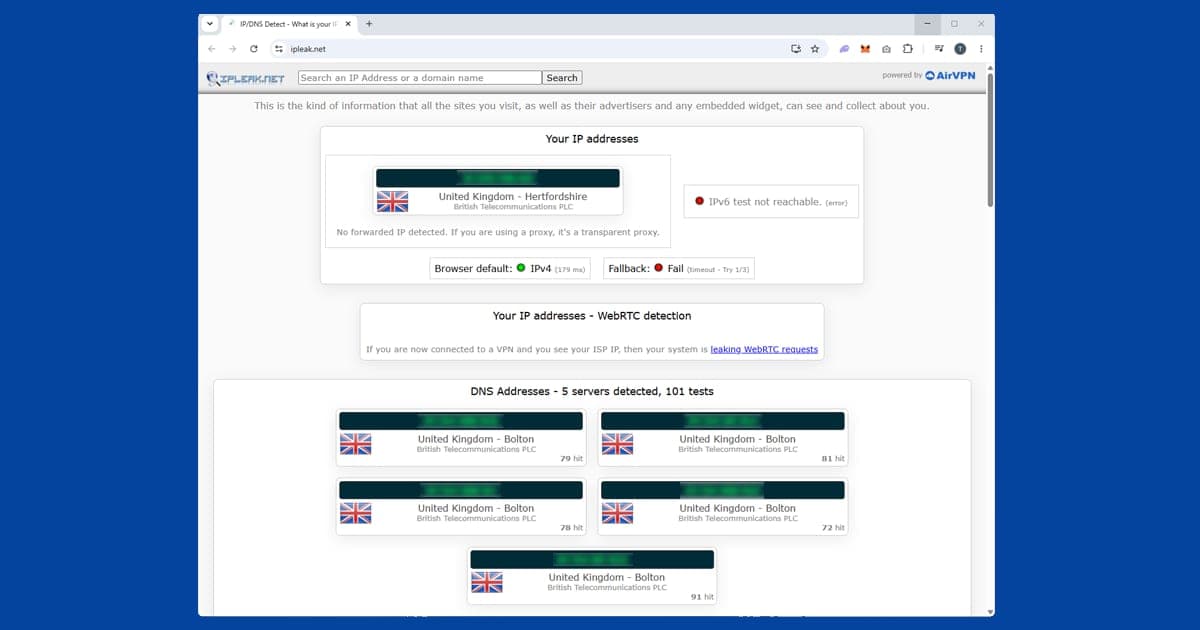
If your VPN says it's connected to a US or UK server but ChatGPT still won't load, or loads then throws a location error partway through a conversation, a DNS leak is worth checking. This happens when your device's lookup requests slip outside the VPN tunnel and go straight to your regular internet provider instead, which can reveal your real country even while your IP address looks fine. Run our IP and DNS checker with your VPN connected and see whether the DNS server matches your VPN's location. If it doesn't, turn on DNS leak protection in your VPN app's settings. Our full DNS leak guide covers the fix for the major providers.
Which VPN works best for ChatGPT
Which VPN suits you depends on what's causing the block.
For country blocks and censorship (China, Iran): ExpressVPN is our top pick. Its Lightway protocol has a good track record in heavily censored environments. NordVPN is a solid alternative; switch to OpenVPN TCP in Settings > VPN Protocol.
For IP-reputation blocks (ChatGPT available in your country but blocking your VPN): NordVPN gives you more servers to cycle through, and its Dedicated IP add-on (a fixed, unshared address) is worth trying if regular servers keep getting flagged. ExpressVPN is a good alternative with a large server pool.
Free VPNs are almost always blocked by ChatGPT. Their limited IP pools get flagged quickly and most lack the protocol flexibility needed for censored-region scenarios. If you want the fuller picture on why free VPNs struggle with services like this, Are Free VPNs Safe? covers what's actually going on behind the scenes.
Does this happen with other AI tools too?
Generally, yes, and the same fixes tend to apply. Google's Gemini, Microsoft Copilot, and Anthropic's Claude all appear to use a broadly similar approach: country-level restrictions layered on top of IP-reputation checks against known VPN and data-centre ranges, though none of these companies publish the exact details publicly. If you use more than one AI assistant, don't be surprised if switching your VPN server to fix ChatGPT also happens to fix whichever one you use alongside it. The restricted-country list isn't identical between providers, so a server that works for ChatGPT isn't automatically guaranteed to work for every other AI tool, but it's a reasonable starting point.
Is it legal to use a VPN with ChatGPT?
Using a VPN is legal in the UK, the US, and most of the world. Where things get more serious is in countries that have banned ChatGPT outright, like China and Iran: in those places, circumventing state internet restrictions can carry real legal risk depending on local law, and that's a different situation from simply using a VPN somewhere it's unrestricted. If you're travelling somewhere with strict internet censorship, it's worth understanding the local rules around VPN use generally before you rely on one, not just for ChatGPT. Our guide on whether VPNs are safe covers the legal picture in more depth.
ChatGPT ads and plans in 2026
ChatGPT looks different in 2026 depending on your plan and where you are. OpenAI started showing ads to people on the Free plan and the cheaper Go plan in February 2026, while Plus, Pro, Business and Enterprise stay ad-free. The ads started in the US, and TechCrunch reported in August 2026 that OpenAI was bringing them to Free and Go users in India too.
This has a small knock-on effect for VPN users. Ads, prices and plan options can all vary by country, so don't be surprised if ChatGPT looks a little different when your VPN shows a different location. That's normal, and it isn't a sign that anything's broken. If you'd rather not see ads, upgrading to Plus is the official route; hopping between servers isn't a reliable way to avoid them.
It's also tempting to sign up while connected to a country where plans are cheaper. As Fix 5 explains, billing is checked against your card, so that tends to cause payment errors or account flags rather than savings. If you're in India and struggling to get a VPN to connect at all, our VPN in India guide covers the local rules, and our apps and games hub has fixes for other services.