FixYourVPN

If Max has stopped working with your VPN, you're not alone. Max blocks VPNs by checking whether your IP address looks like it belongs to a data centre rather than a real home broadband connection. Its blocked server list gets updated regularly, so a server that worked last week can stop working without you changing anything.
What the error looks like
Max usually shows one of two things when it detects a VPN: a generic "Content not available" error on a specific title, or a broader message saying the service isn't available in your location. Sometimes it loads the interface fine but refuses to play any video. All of these point to the same thing: Max has identified your IP address as belonging to a VPN server.
Why Max blocks VPNs
Max is Warner Bros. Discovery's streaming platform, home to HBO originals, DC content, and a large library of films and TV. Like all major streaming services, it holds content rights tied to specific countries. The US version has the fullest catalogue; other regions like Europe and Latin America have their own versions with different content.
When you connect through a VPN, your IP address belongs to a data centre rather than a home broadband connection. Max checks IP addresses against databases that flag data centre addresses as likely VPN traffic. When there's a match, playback is blocked. Because it's the IP address being blocked rather than the VPN itself, switching to a different server is usually all it takes.
Switch server first
Try a different US server before anything else. Max blocks individual IP addresses, so a server that's been flagged sits alongside plenty that haven't been. Switching gives you a fresh IP, and that's often all it takes. Try two or three before moving on. After switching, confirm your new IP is showing as US at our IP checker before opening Max.
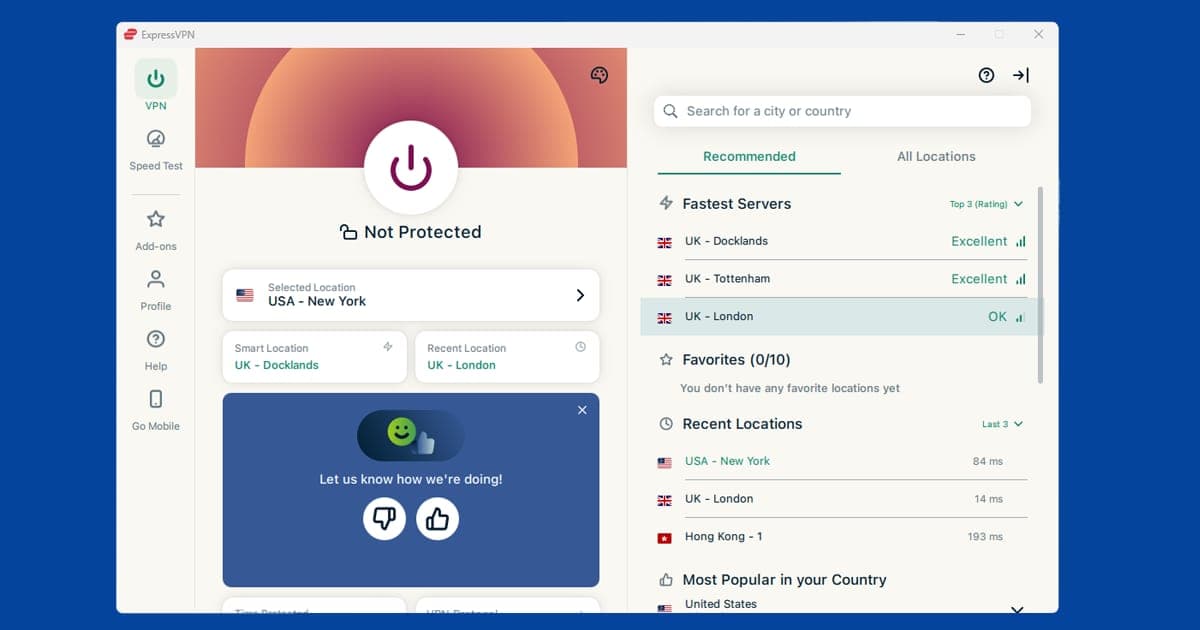
If your VPN has a server labelled for Max or for streaming, use it first. PureVPN has streaming Shortcuts under Locations, then Shortcuts. NordVPN and ExpressVPN don't label servers for streaming, so any US server is a fine start; if it's blocked, try a different US city. For the most reliable streaming connection, use the WireGuard protocol if your VPN supports it (called NordLynx in NordVPN and Lightway in ExpressVPN, and just WireGuard in PureVPN). It's faster and more stable for video than the older alternatives.
Clear cookies and use a private window
Max stores session data in your browser, including location information from previous visits. If you've ever loaded Max without a VPN, those saved cookies can give away your real location even after you connect. The quickest fix is to open a private or incognito window after connecting your VPN. That starts completely fresh with no old data.
If you'd rather clear them manually: in Chrome, go to Settings > Privacy and security > Delete browsing data. In Firefox, open Settings > Privacy & Security > Clear Data. In Safari, go to Safari > Settings > Privacy > Manage Website Data > Remove All. In Edge, go to Settings > Privacy, search, and services > Clear browsing data > Choose what to clear. Delete cookies for max.com specifically, then reconnect your VPN and reload the site.
Use the Max app instead of a browser
The Max app is generally more reliable with a VPN than the website in a browser. Browsers can expose extra information that streaming services use to detect VPNs, including something called WebRTC, which can leak your real IP address even when a VPN is active. The Max app doesn't have this problem because it communicates at the system level, where the VPN covers all traffic.
Make sure your VPN is connected before you open the app, and that you're using the full VPN application rather than a browser extension. Browser extensions don't cover app traffic.
Do you need a US account?
Max is primarily a US service. If you're trying to access the full US Max catalogue from the UK, you'll need a US Max account as well as a US VPN server. Signing up for a US account typically requires a US payment method, though subscribing through a US Apple or Google account is a common workaround if you have one set up.
If you already have a Max account from a time you lived in the US, connecting to a US VPN server should be enough to restore access. If you subscribed through the App Store or Google Play, your billing is tied to whichever country your app store account is registered in, which can sidestep the US card requirement.
What's on Max
Max is the streaming home of HBO's original programming: The White Lotus, The Last of Us, Succession, House of the Dragon, The Wire, The Sopranos, and decades of older HBO content. It also carries DC films and series, Warner Bros. theatrical releases, Max Originals, and a large library of licensed films and TV series. The US Max catalogue is the most complete: it includes content that isn't licensed to the European or Latin American versions.
Max launched in the UK as a standalone service, replacing the HBO content that had previously been available via Sky and Now TV. UK Max has a good selection of HBO originals but a different (and generally smaller) catalogue than Max US. If you're in the UK and want the full US Max library rather than the UK version, you'll need a US VPN server and a US account.
Terms of service note: Using a VPN to access a regional Max library you're not based in technically violates Max's terms of service. Max's enforcement is at the stream level: it blocks content rather than banning accounts. Account terminations for VPN use are rare, but the policy is worth knowing before you start.
Try a different VPN protocol
If you've worked through a few servers and cleared cookies and Max is still blocking you, switching your VPN's connection protocol is worth a shot before you give up on a server entirely. WireGuard is the fastest modern option and the best starting point: it's called NordLynx in NordVPN and Lightway in ExpressVPN.
Open your VPN app's settings, look for a Protocol or Connection section, switch it, then reconnect and try Max again. Our guide on changing your VPN protocol has the exact steps for the main apps.
Watching Max on a smart TV, Fire Stick, or games console
Max runs on a wide range of devices, and how you get your VPN working depends on which one you're using:
- Fire TV Stick: install a VPN app straight from the Amazon Appstore. NordVPN and ExpressVPN both have dedicated Fire TV apps. Connect to a US server before opening Max. Our Fire Stick VPN guide covers this in more depth if you run into trouble.
- Roku: Roku doesn't support VPN apps directly, so the router method is the way to go. Our Roku VPN guide walks through the setup.
- Samsung, LG, or Sony smart TVs: these don't support VPN apps either. Set up the VPN on your router instead, and every device on your home network, TV included, inherits the US IP address automatically.
- PlayStation or Xbox: no native VPN app support on consoles. Use the router method, or share a VPN connection from a laptop as a wi-fi hotspot and connect the console to that.
- Apple TV: VPN apps are available from the App Store on tvOS 17 and later; check your provider's listing for availability.
If you've got a laptop and a Chromecast or AirPlay-compatible TV, casting a VPN-connected browser tab straight to the screen is often the quickest fix of all.
Does a VPN slow down Max streaming?
Some, since your traffic is travelling through an extra server before it reaches you, but with a decent paid VPN this is usually small enough not to notice. If you're seeing real buffering or a resolution drop, switch to WireGuard/Lightway if you haven't already, and try a server that's geographically closer to you within the US rather than one on the opposite coast.
Free VPNs and Max
Free VPNs tend to struggle badly with Max. Their IP pools are small and shared between huge numbers of people, so Max's block lists catch up with them fast, and the ones that do get through are often too slow for smooth HBO-quality video. If Max is a service you rely on regularly, it's worth reading our Are Free VPNs Safe? guide before going down that route: the running costs of a free VPN usually get covered somehow, and it's not always in ways that suit you.
Max shares a parent company with Discovery+ (both are Warner Bros. Discovery services), and the two behave similarly from a VPN standpoint: IP-based detection, a US-focused main catalogue, and a server switch as the first fix. If you subscribe to both, the same troubleshooting steps tend to apply to each. Kiwis chasing HBO content specifically should also check Neon, New Zealand's long-standing HBO licensee: a NZ VPN server and a Neon account may get you there more directly than a US Max account, though check both services' current New Zealand availability before assuming either has exclusive rights.
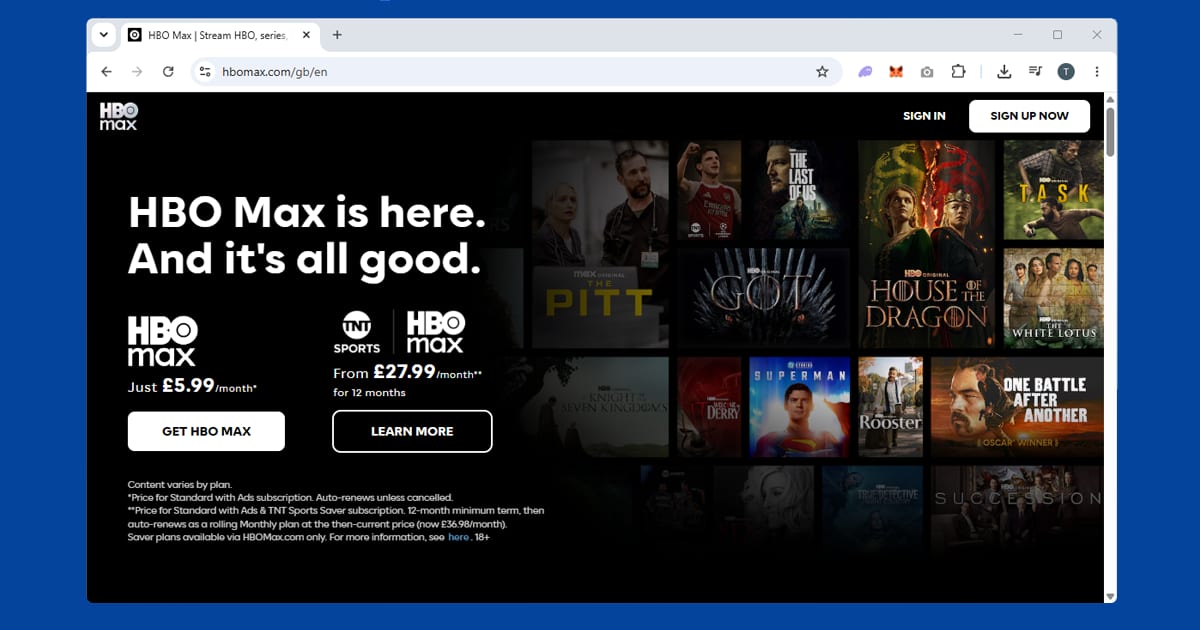
HBO Max in the UK since March 2026
There's been a big change for UK viewers this year. HBO Max (the service has gone back to its old name) launched directly in the UK and Ireland on 26 March 2026. Sky and Prime Video are launch partners, so some people already have access through a package they pay for. It's worth checking your Sky or Amazon account before you sign up for anything new.
HBO Max is also now where TNT Sports streams in the UK, taking over from discovery+. That matters for VPN users, because live sport often gets stricter location checks than films and box sets. If you've got a UK account and you're travelling, connect to a UK server before you open the app, and if a match won't load, our TNT Sports fixes cover the extra steps.
One thing hasn't changed. The UK and US catalogues still aren't identical, and as the section on US accounts explains, the full US library still needs a US account as well as a US server. The UK launch doesn't change that. If a title you're after is missing, check which country it's licensed in before you blame your VPN. For help with other American and global services, see our US streaming guides.